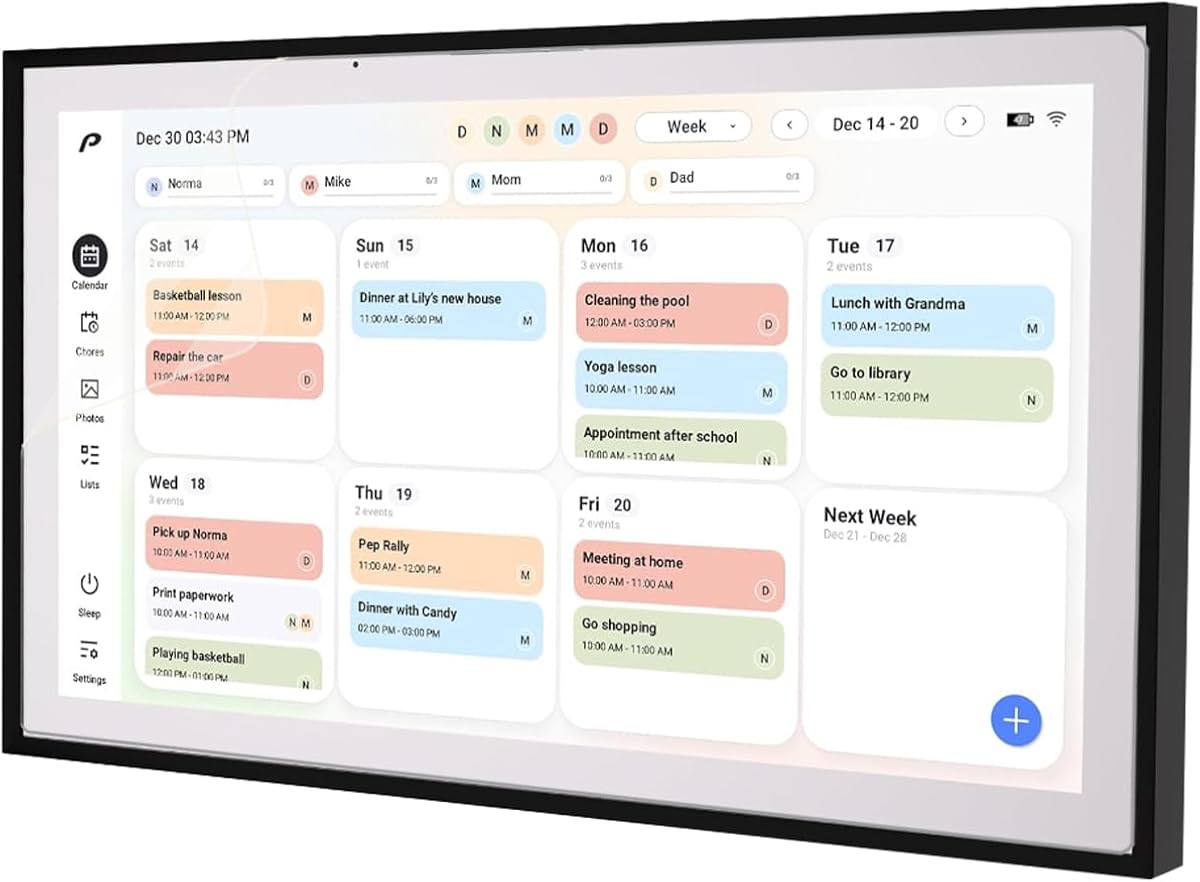
2 Pack Screen Protector for 15.6 Skylight Digital Calendar
5.0Editor score
High Definition clarity
5H hardness protection
Ultra-thin 0.15mm
This guide compares the top Digital Calendar Screen Protector options to help you choose the right shield for your family digital display needs today.
Digital calendar screens need protection from daily wear and accidental scratches. A good screen protector keeps your display clear and responsive while reducing glare. Choosing the right one ensures your family schedule stays visible and safe for years.
We compared ten top-rated protectors based on clarity, scratch resistance, and ease of installation. Each product was evaluated for compatibility with popular digital calendar models like Skylight and Cozyla. Our list covers various sizes and features to fit every household setup.
Each pick highlights key specs and real user feedback to help you decide quickly. Note that prices and availability change frequently so check current listings before buying. Investing in protection now saves money on costly screen replacements later.
5.0Editor score

4.2Editor score

4.2Editor score
This table compares key features across all ten top-rated screen protectors for digital calendars. Review specifications like hardness rating, thickness, and included accessories to find the best fit for your specific model size.
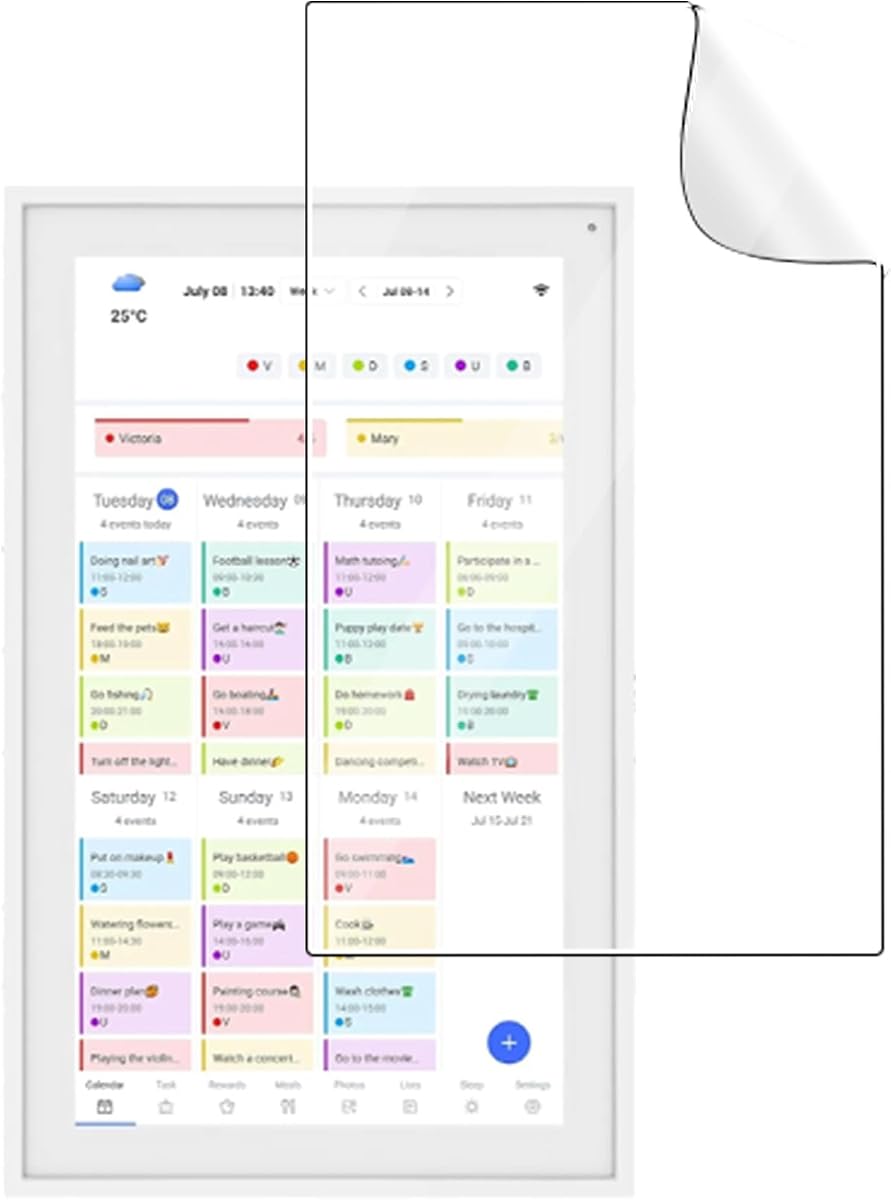

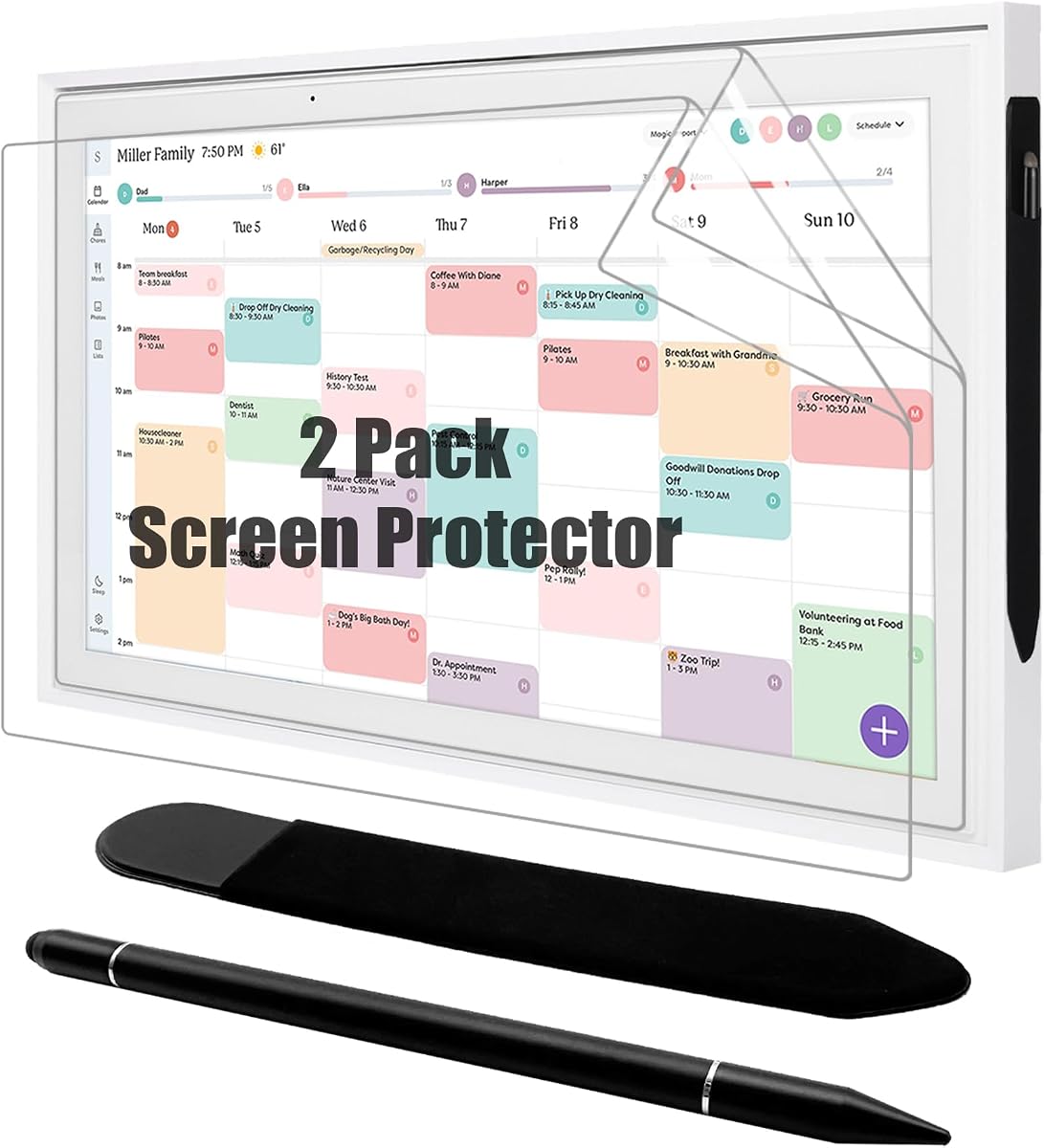
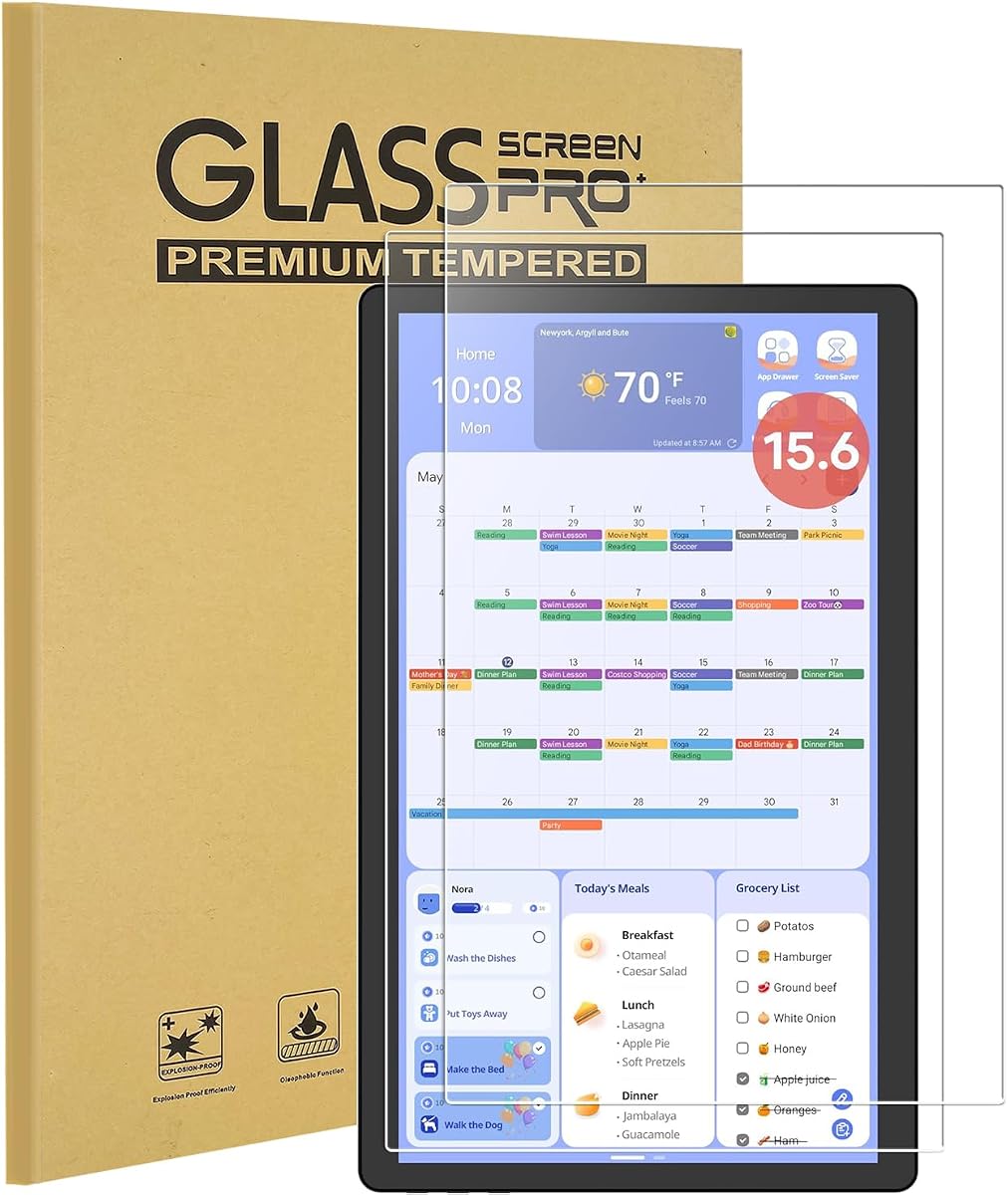


This kit stands out for combining protection with a functional stylus. It rates 4.2 stars for its ability to keep screens clean while offering writing tools.
We may earn a commission when you buy through this link, at no additional cost to you.
The Paperfeel layer reduces glare significantly which helps eyes during long use. The hydrophobic coating keeps smudges at bay so wiping is minimal.
The matte finish can slightly soften text sharpness compared to clear glass. The stylus tip is versatile but requires unscrewing for the pen feature.
Buy this if you want a complete solution without buying separate accessories. It is ideal for households needing both protection and a writing tool.
The included pen adds value by letting you mark notes directly on screen or paper using the ballpoint end.
Sunlight reflection is reduced so schedules stay visible in bright kitchens without straining your eyes.
We may earn a commission when you buy through this link, at no additional cost to you.
Tempered glass provides strong defense against scratches. It rates well for maintaining clarity and touch response on Skylight screens.
We may earn a commission when you buy through this link, at no additional cost to you.
The 9H hardness rating means keys or dust won't scratch the surface. Transparency ensures your photos look vibrant and true to color.
Glass adds weight and may shatter if hit hard at edges. Alignment requires care despite the venting adhesive helping with bubbles.
Choose this if you prioritize scratch resistance over thinness. It is best for high-traffic areas where screens face frequent contact.
This rating means the glass resists sharp objects like keys or coins better than softer plastic films.
Air escapes during installation so bubbles don't get trapped causing a cleaner look overall.
We may earn a commission when you buy through this link, at no additional cost to you.
This budget option offers high ratings at a low cost. It fits 15.6 inch Skylight frames well and includes tools for setup.
We may earn a commission when you buy through this link, at no additional cost to you.
The ultra-thin 0.15mm thickness keeps touch sensitivity high. Oil repellent layers help keep fingerprints off the surface easily.
Film offers less scratch protection than glass so handle with care. Edges may lift slightly after months of heavy use.
Buy this for backup protection or light use. It is perfect if you want spare protectors without spending much money.
Having a spare means you can replace the first if it gets damaged without buying a new set.
At 0.15mm it feels almost invisible on screen keeping the device slim.
We may earn a commission when you buy through this link, at no additional cost to you.
This protector targets the 10.1 inch Smart Digital Calendar specifically. It aims for clarity and smooth touch response.
We may earn a commission when you buy through this link, at no additional cost to you.
Laser cut edges ensure the shield aligns perfectly without gaps. Transparency keeps original colors bright while blocking minor scratches.
Lack of user ratings makes it harder to judge long term quality. It is a standard film with no special features beyond protection.
Select this if your device matches exactly. It is suitable for basic protection needs where fit is the main priority.
Laser cutting ensures the protector aligns exactly with screen corners for full coverage.
Adhesive layer spreads evenly to avoid air pockets that ruin the look.
We may earn a commission when you buy through this link, at no additional cost to you.
Matte finish helps reduce glare for better eye comfort. This two-pack offers good value for Skylight families.
We may earn a commission when you buy through this link, at no additional cost to you.
The coating cuts 90 percent glare from lights or sun. Fingerprints are harder to see on the textured surface.
Matte screens can look softer than clear glass so text may seem less crisp. It is still durable enough for daily use.
Buy this if glare is a major issue in your room. It suits bright spaces where clarity matters more than sharpness.
Reduced glare means less squinting when reading schedules during the day.
Get two protectors so you can swap one if it gets dirty or damaged.
We may earn a commission when you buy through this link, at no additional cost to you.
This kit offers protection and a stylus in one box. It is designed for busy homes needing writing access.
We may earn a commission when you buy through this link, at no additional cost to you.
The stylus tip helps with precise edits on screens. Coatings keep oils off so cleaning takes minimal effort.
PET film is softer than glass so scratches may appear over time. The magnetic case is handy but the pen might loosen.
Choose this for convenience and all-in-one packaging. It works best for families who write on screens often.
One end writes on screen while the other writes on paper giving you flexibility.
The pen sticks to the case so it does not get lost in drawers.
We may earn a commission when you buy through this link, at no additional cost to you.
This glass protector targets Cozyla calendar models. It promises high clarity and strong scratch defense.
We may earn a commission when you buy through this link, at no additional cost to you.
Nine hardness rating resists sharp objects well. Oleophobic coating repels fingerprints to keep the screen clean.
Lack of ratings makes trust harder without user proof. Glass is sturdy but can crack if dropped on hard floors.
Select this if you own a Cozyla calendar. It is a solid choice for strong physical protection needs.
Cut to fit Cozyla screen exactly so no gaps appear around edges.
Crystal clear glass ensures your display looks bright and sharp.
We may earn a commission when you buy through this link, at no additional cost to you.
This large protector fits 27 inch wall touch screens. It adds blue light filtering for eye comfort.
We may earn a commission when you buy through this link, at no additional cost to you.
Blue light blocking helps reduce strain during evening viewing. UV blocking prevents screen fading over time.
Lower rating suggests mixed results on ease of install. The thickness may be noticeable on thinner screens.
Buy this if you have a large wall display. It suits rooms where screen health and eye safety matter.
Reduces harmful light before bedtime so you can sleep better.
Blocks UV rays to keep colors bright without fading in sun.
We may earn a commission when you buy through this link, at no additional cost to you.
This protector uses glueless adhesive for residue-free removal. It fits Dragon Touch calendars in anti-glare finish.
We may earn a commission when you buy through this link, at no additional cost to you.
The paper-like surface offers a smooth tactile feel. Two packs ensure you have a replacement ready anytime.
Low rating indicates possible issues with adhesion staying put. It may not stick well on textured screens.
Select this if you hate sticky residue. Use with caution and check adhesion before leaving for the day.
Uses static to hold in place so no messy glue on screen.
Reduces UV glare so you can see clearly in sunlight.
We may earn a commission when you buy through this link, at no additional cost to you.
This film offers high transparency for clear viewing. It rates perfectly for glueless application on Dragon Touch screens.
We may earn a commission when you buy through this link, at no additional cost to you.
Crystal clear finish keeps colors vibrant. Adhesive stays clean without leaving sticky marks when removed.
Bubbles may take time to clear out completely. It is thin so it protects against light wear only.
Buy this if you want clean installation. It is ideal for users needing HD clarity and easy removal.
Five star rating shows users are happy with clarity and ease.
Crystal clear film makes your photos and text look sharp.
We may earn a commission when you buy through this link, at no additional cost to you.
Choosing a screen protector depends on your calendar model and usage needs. This guide outlines key factors to consider before buying.
Ensure the protector matches your calendar screen size exactly. A 15 inch protector will not fit a 10 inch model.
Always check the device specifications before purchasing to avoid returns.
Tempered glass offers better scratch resistance than PET film. Film is thinner and feels lighter on the screen.
Choose glass for high traffic areas and film for slimness.
Anti-glare films reduce reflections in bright rooms. Clear films offer better color accuracy but reflect more light.
Select anti-glare if your calendar is near windows or strong lights.
Look for 9H hardness for maximum scratch resistance. 5H is adequate for light use but less durable.
Higher hardness means your screen stays pristine longer.
Check if the package includes cleaning cloths or squeegees. Some kits also have alignment tools for bubble free setup.
A good kit makes applying the protector much easier.
Ensure the protector is thin enough to maintain touch response. Thick layers might delay screen taps.
Ultra-thin options below 0.3mm are best for smooth scrolling.
If you use a stylus confirm the protector works with it. Some films offer better friction for writing.
Look for products that mention stylus friendliness.
Buying packs of two gives you spares for future replacement. Single packs are cheaper but less convenient.
Multi-packs offer better long term value for families.
Clean the screen thoroughly before applying the protector. Use the included alcohol wipe to remove oils and dust.
Align the protector carefully to edges and press down slowly. Start from the center to push out air bubbles.
Wipe the surface with a microfiber cloth daily. Avoid harsh chemicals that might damage the coating.
Most modern protectors are thin enough to keep touch sensitivity high. Ultra-thin film and glass options below 0.3mm work best for responsive screens.
Yes most kits include tools and guides for self installation. Alignment tools help prevent bubbles so careful placement is key.
Glass offers better scratch resistance while film is lighter. Choose based on your need for durability versus thinness.
Use the squeegee or card included in the kit. Push bubbles toward the edges gently to remove trapped air.
Matte films may soften colors slightly compared to clear ones. Anti-glare is best for reducing eye strain in bright rooms.
Replace it if it gets cracked or starts peeling. A damaged protector may reduce touch responsiveness and clarity.
These top picks cover various models and needs from budget to premium. The i-Tensodo glass and BoxWave film offer excellent options.
Prioritize screen size and material hardness to match your usage. Glueless or anti-glare features add extra value.
Check current availability before buying as stock changes often. Invest early to keep your digital display in top shape.