
TP-Link AXE5400
4.3Editor score
Tri-Band Wi-Fi 6E
Near-zero latency 6 GHz
EasyMesh compatible
This guide compares the top low latency WiFi routers for gaming and streaming, evaluating speed, coverage, and performance to help you choose the right network
Finding the right network hardware is crucial for modern homes. Low latency WiFi routers ensure your video calls, gaming sessions, and streams run smoothly without frustrating delays or dropped connections.
We evaluated ten top-rated models based on speed, coverage, and reliability. Our analysis focuses on how well each router handles multiple devices simultaneously while maintaining consistent performance across different environments.
Each pick highlights key strengths and ideal use cases. Note that availability and pricing fluctuate frequently, so verify current details before purchasing to ensure you get the best value for your needs.
4.3Editor score

4.6Editor score

4.3Editor score
The following comparison table summarizes the key specifications and features of each model to help you quickly identify which router best fits your specific connectivity requirements.
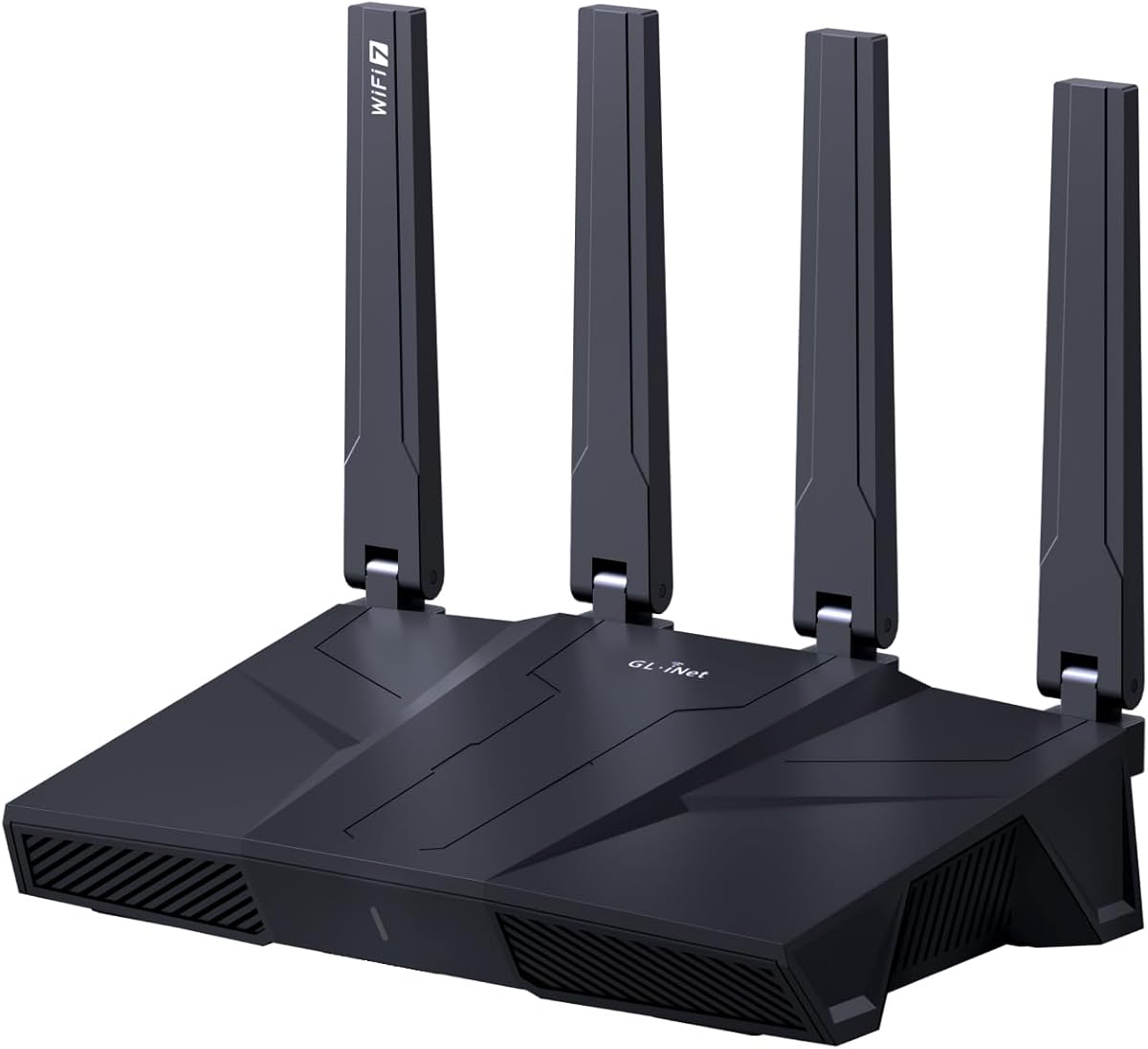


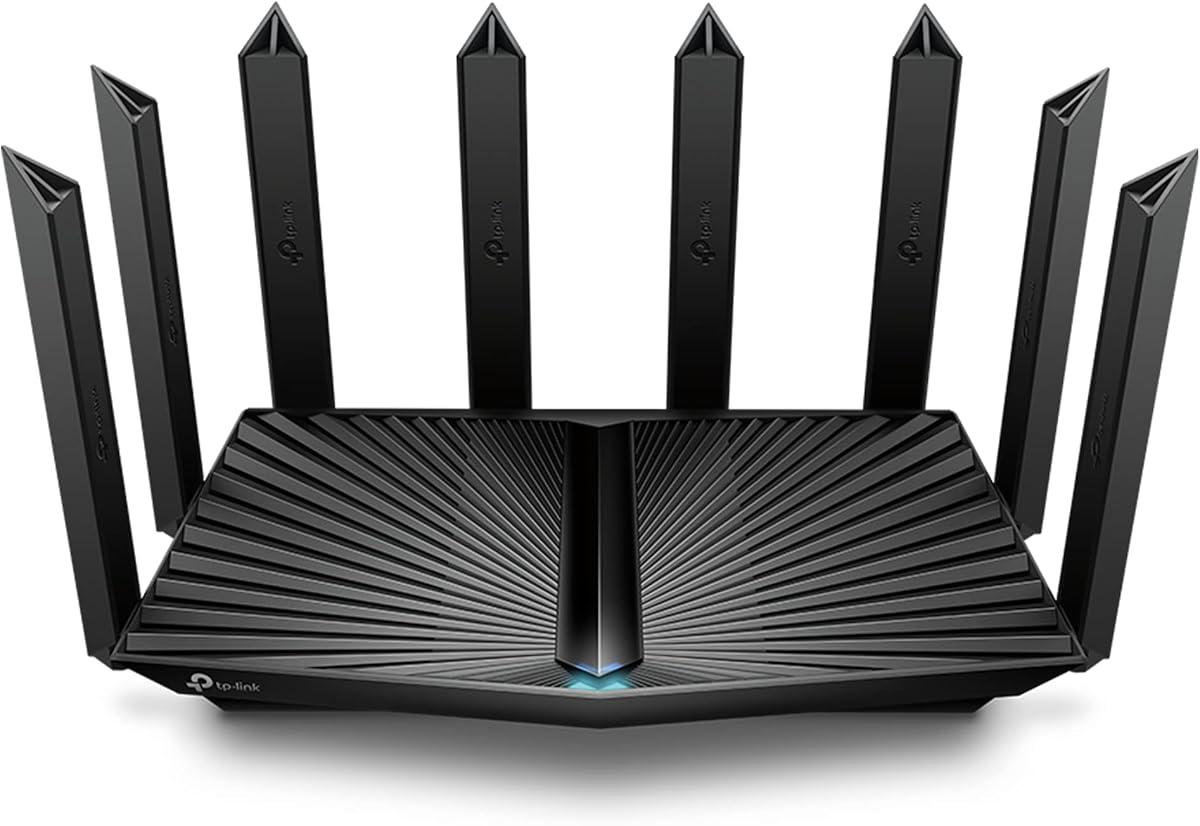

This router stands out with its robust Wi-Fi 6 architecture and exceptional low latency capabilities. It is rated highly for handling intense gaming sessions without interruption.
We may earn a commission when you buy through this link, at no additional cost to you.
Its dual 2.5G ports allow for multi-gigabit wired connections, ensuring your main devices get the fastest possible throughput. The OpenVPN and Wireguard speeds are notably impressive for a consumer router.
While you may need to update the firmware upon setup to unlock full potential, the process is straightforward. This step ensures the device performs optimally right from the start.
If you need a reliable network for work and play, this model delivers consistent results. It is an excellent choice for those who prioritize speed and stability over simple plug-and-play simplicity.
The 8-stream Wi-Fi 6 technology ensures that multiplayer battles remain smooth even when other devices are active.
AdGuard Home support gives you full control over tracking and ads, creating a cleaner online experience for the whole family.
We may earn a commission when you buy through this link, at no additional cost to you.
The AXE5400 offers exceptional value by bringing Wi-Fi 6E technology to a more affordable price point. Its 6 GHz band provides near-zero latency, making it ideal for responsive gaming and video chats.
We may earn a commission when you buy through this link, at no additional cost to you.
Tri-Band design ensures you have dedicated lanes for different traffic types, reducing congestion. The EasyMesh compatibility allows you to expand your network easily without losing connection stability.
While the internal RAM is modest compared to high-end models, it handles typical household loads well. Users should note that setup might require some familiarity with network settings.
For those seeking advanced features without breaking the bank, this router is a strong contender. It balances performance and cost effectively for most modern home networks.
The 6 GHz band brings more bandwidth and faster speeds, enabling more responsive gaming and video chatting.
EasyMesh compatibility means you can add compatible routers to extend range, eliminating dead zones and drops.
We may earn a commission when you buy through this link, at no additional cost to you.
This premium router pushes the boundaries of what is possible with Wi-Fi 7 technology. Its quad-band design and massive throughput ensure that even the busiest networks run with minimal delay.
We may earn a commission when you buy through this link, at no additional cost to you.
The Triple-Level Game Acceleration optimizes traffic from your PC all the way to the game server. External antennas provide robust coverage and signal strength throughout large homes.
While it comes with a significant price tag, the performance justifies the cost for enthusiasts. It is designed for those who demand the absolute best in network reliability and speed.
If you want future-proof hardware with top-tier specs, this is the ultimate choice. It offers unparalleled wired connectivity and wireless performance for demanding applications.
New 320MHz channels in the 6 GHz band and 4096-QAM significantly increase network capacity and throughput.
Maximized wired connectivity with dual 10G ports and quad 2.5G ports ensures flexibility for all devices.
We may earn a commission when you buy through this link, at no additional cost to you.
The Flint 3 brings Wi-Fi 7 to the forefront with impressive speeds and Multi-Link Operation. It supports up to 9 Gbps, ensuring 8K streaming and gaming remain smooth and responsive.
We may earn a commission when you buy through this link, at no additional cost to you.
Its five 2.5G ports are a standout feature for users with multiple wired devices. This eliminates bottlenecks for NAS drives, gaming rigs, and smart TVs.
While it shares some similarities with other models in the lineup, the port count sets it apart. Note that initial setup may require connecting via Ethernet to access the admin panel.
For a high-performance router that handles large homes and multiple devices, this is a solid pick. It balances advanced features with reliable connectivity.
Multi-Link Operation delivers ultra-fast speeds, significantly reduced latency, and improved connectivity in high-density environments.
The advanced system delivers strong signal strength across up to 2,000 square feet, suitable for modern homes.
We may earn a commission when you buy through this link, at no additional cost to you.
This router is built to keep up with growing connected homes. Its dedicated tri-band WiFi 7 ensures that demanding devices like streaming consoles get their own lane.
We may earn a commission when you buy through this link, at no additional cost to you.
The 2.5 Gig WAN port supports multi-gig internet plans, unlocking faster wired connections. Coverage extends to 2,500 sq ft, making it suitable for large single-story homes.
Management is streamlined through the Nighthawk app, allowing you to run speed tests or pause devices from anywhere. However, the app requires an active internet connection to function.
For families needing broad coverage and reliable speeds, this model is a strong contender. It simplifies network management while offering robust performance.
Delivers up to 2,500 sq. ft. of coverage for up to 100 devices, keeping every room connected.
The 2.5 Gig WAN port unlocks multi-gig internet plans, ensuring your router does not bottleneck your speed.
We may earn a commission when you buy through this link, at no additional cost to you.
The RS90 offers a more accessible entry into Wi-Fi 7 with dual-band support. It delivers up to 3.6 Gbps, which is 1.2x faster than standard WiFi 6 routers.
We may earn a commission when you buy through this link, at no additional cost to you.
It includes a 2.5 Gig WAN port, allowing you to utilize faster internet plans without upgrading the router later. The Nighthawk app simplifies setup and ongoing management.
While it lacks the 6 GHz band found in tri-band models, it still provides reliable performance for most households. Parental controls are integrated to help manage screen time.
For those seeking a balance of future tech and budget, this is a smart choice. It brings advanced features to a wider audience effectively.
Wi-Fi 7 lets you keep up with a busy home with faster speeds and simultaneous data streams.
NETGEAR Armor adds protection against malware and identity theft, with a 30-day free trial included.
We may earn a commission when you buy through this link, at no additional cost to you.
This router brings Wi-Fi 7 to a dual-band form factor. It features two 2.5G ports, allowing for fast wired connections without needing an expensive tri-band system.
We may earn a commission when you buy through this link, at no additional cost to you.
The 2.0 GHz Quad-Core processor manages high throughput efficiently, ensuring fast connections with minimal latency. It also supports Multi-Link Operation for enhanced reliability.
Though it lacks the 6 GHz band, it still offers improved speeds over older WiFi 6 models. The EasyMesh feature allows you to build a whole-home network easily.
For households wanting modern speed without overspending, this is a great option. It focuses on practical features that improve everyday connectivity.
The 2.0 GHz Quad-Core processor eliminates lag and enjoys fast connections with minimal latency during heavy data transmissions.
EasyMesh works with range extenders to create a seamless network, eliminating drops and lags as you move.
We may earn a commission when you buy through this link, at no additional cost to you.
The Flint 3e combines robust Wi-Fi 7 speeds with excellent VPN capabilities. It delivers up to 1100 Mbps on Wireguard and OpenVPN, ensuring secure data transfer is fast.
We may earn a commission when you buy through this link, at no additional cost to you.
Coverage extends up to 2,500 square feet, supporting over a hundred devices. The MLO and 4K-QAM technologies enhance connectivity in high-density environments.
It is designed for users who want secure, fast, and reliable internet for home and work. Initial setup may require an Ethernet connection to access the admin panel.
If you need a balance of speed, security, and range, this model excels. It offers advanced features in a streamlined package.
Wireguard and OpenVPN both deliver speeds of up to 1100 Mbps, giving you complete control over your gaming bandwidth.
This advanced router system delivers strong, reliable signal strength for up to 2,500 square feet of coverage.
We may earn a commission when you buy through this link, at no additional cost to you.
The AX80 is a reliable Wi-Fi 6 router with strong throughput. It reaches up to 4804 Mbps on 5 GHz, offering excellent speed for most applications.
We may earn a commission when you buy through this link, at no additional cost to you.
Its 2.5G port allows for multi-gigabit wired connections, while the eight high-gain antennas ensure vast coverage throughout your home. Security features are enabled out of the box.
While it does not support the latest Wi-Fi 7 standards, it remains a top performer for existing 6-compatible devices. It is easy to manage with voice commands via Alexa.
If you have not yet upgraded to newer standards, this router offers solid reliability. It provides great value for those needing robust performance.
Level up your Wi-Fi game with technology providing up to 4804 Mbps on 5.0 Ghz and 1148 Mbps on 2.4 Ghz band.
Breakthrough gigabit speeds and enter the multi-gig era of wired connection to avoid bottlenecks.
We may earn a commission when you buy through this link, at no additional cost to you.
This router is a pioneer in the Wi-Fi 6E space. Its tri-band design boosts speeds up to 11000 Mbps, using the 6GHz spectrum to deliver lower latency and less interference.
We may earn a commission when you buy through this link, at no additional cost to you.
It includes a 2.5G LAN/WAN port and triple-level game acceleration, optimizing traffic from device to game server. The quad-core processor ensures high computational capability.
While newer models offer newer standards, this one remains powerful. It is designed for gamers who want dedicated lanes for their traffic.
If you seek maximum performance and proven tech, this is a solid investment. It continues to deliver excellent results for demanding users.
Wider channels and higher capacity deliver higher performance, lower latency, and less interference for all devices.
Accelerate game traffic every step of the way from device to game server for a smoother gaming experience.
We may earn a commission when you buy through this link, at no additional cost to you.
Selecting the right router involves evaluating key factors that influence speed and stability. Understanding these elements helps you narrow down the best options for your setup.
Newer standards like Wi-Fi 7 and 6E offer reduced latency and higher capacity. These standards utilize wider channels to decrease congestion and improve response times.
Prioritize models with Wi-Fi 7 if you need top-tier performance, but Wi-Fi 6E remains excellent for most users.
Tri-band routers provide an extra 6 GHz band that keeps traffic separate. This separation prevents slower devices from slowing down your fast connections.
Look for routers with dedicated high-speed bands to ensure gaming and streaming remain responsive.
Multi-gigabit ports allow for faster connections to your modem or desktop. 2.5G ports are increasingly common and essential for modern internet plans.
Ensure the router has enough ports for your main devices to avoid bottlenecks.
A strong CPU manages multiple devices and heavy traffic effectively. Quad-core processors handle data better than slower cores.
Choose models with higher clock speeds to maintain low latency during peak usage.
External antennas often provide better signal strength and range. They help cover larger areas more effectively than internal ones.
Consider the number of antennas if you have a large home or multiple floors.
Quality of Service settings allow you to prioritize gaming traffic. VPN support adds security and flexibility for your network.
Look for apps that make setup and management easy for daily use.
Mesh systems extend coverage without losing speed. Compatibility with extenders helps you scale your network as needed.
Select a router that supports mesh to future-proof your home network.
Built-in security features protect connected devices from threats. Automatic updates ensure vulnerabilities are patched quickly.
Choose a model with active firewall and antivirus capabilities for safety.
Begin by placing the router in a central location away from walls and metal objects to maximize signal strength. Keep it at least a few feet off the floor for better coverage.
Update the firmware as soon as you set up the device. This ensures you have the latest performance enhancements and security patches installed.
Periodically reboot your router to clear temporary glitches and keep the network running smoothly. Schedule this maintenance for times when you are not actively using the internet.
If you experience lag spikes or delays in video calls, the router may be congested or outdated. Check if other devices on your network are active or if your modem is limiting speeds.
Yes, Wi-Fi 7 uses MLO to connect to multiple bands simultaneously, which reduces transmission time. It is designed for faster response and higher stability.
Generally no, as long as your modem supports your internet speed. However, ensure your modem is also compatible with the router's Ethernet standards.
Use wired connections for gaming devices and ensure your router supports the latest wireless standards. Clear the area around the router from physical obstructions.
Yes, models with high device capacity and OFDMA technology can handle multiple connections. This ensures that traffic remains smooth even with many devices online.
Firmware should be updated whenever a new version is available. This ensures you have the latest security features and performance improvements installed.
Each router on this list brings unique strengths to the table. Whether you seek raw speed or affordable performance, there is a model here for your needs.
Focus on your specific use cases such as gaming, streaming, or work to prioritize the right features. A good router ensures stability and responsiveness across your network.
Verify current availability and details before purchasing as specs and offers may vary. These models represent the best options for achieving low latency today.