
HP Everyday Business Paper Glossy
4.5Editor score
Professional-quality glossy finish
Ideal for two-sided financial docs
High-performance marketing materials
This guide compares the top 10 laser printer photo paper options for crisp prints and vibrant colors to help you choose the perfect sheet for your next project.
Finding the right laser printer photo paper can transform ordinary documents into stunning professional materials. Not all paper handles the intense heat of laser fusers without curling or jamming, so selecting the correct type is crucial for success.
We evaluated ten top-rated options based on weight, finish, brightness, and compatibility with major printer brands. Each product was reviewed for its ability to produce sharp text and vivid colors without smudging or wasting toner during high-volume runs.
Every pick in this list highlights unique strengths for specific needs like brochures or photo prints. Please note that availability and current deals may shift, so checking the latest details before ordering ensures you get the best value today.
4.5Editor score

3.9Editor score

4.4Editor score
Below is a detailed side-by-side comparison of all ten products evaluated in this guide to help you quickly identify the best match for your specific printing requirements and budget constraints.


This product stands out as the top choice for professionals seeking vibrant double-sided color without the cost of premium cardstock. It holds a 3.9 rating from verified buyers who praise its smooth texture and reliable feeding through major laser printer models.
We may earn a commission when you buy through this link, at no additional cost to you.
Engineered specifically for laser and digital printers, this paper uses a C2S gloss coating to ensure sharp graphics and true-to-screen colors every time. The 96 brightness ensures rich prints, while the 32lb Bond weight optimizes smooth feeding to minimize jams during high-volume jobs.
While it is thinner than traditional cardstock, this design choice prevents feeding issues in smaller trays. Users note that while it handles heavy color work well, it is not suitable for inkjet printers or projects requiring a rigid feel like business cards.
Ideal for business proposals, flyers, and school projects, this paper delivers a professional finish at a great value. If you need consistent, vibrant prints without wasting time on misfeeds, this option remains the most reliable choice for everyday laser printing needs.
The C2S gloss coating on both sides delivers sharp color reproduction perfect for brochures and marketing materials without show-through.
Optimized 32lb Bond weight ensures smooth, reliable feeding through laser printers to minimize jams and keep your workflow uninterrupted.
We may earn a commission when you buy through this link, at no additional cost to you.
HP Everyday Business Paper offers a professional glossy finish at an affordable price point for businesses printing high volumes. With a 4.5 rating, users appreciate its crisp black text and sharp color graphics that look great on reports and financial documents.
We may earn a commission when you buy through this link, at no additional cost to you.
This paper is designed to support two-sided printing with minimal show-through, making it ideal for business plans and marketing brochures. The HP Smart app integration allows for easy document printing and scanning from virtually anywhere for added office flexibility.
While it delivers high-performance results, it is optimized for standard business documents rather than heavy photo cards. The 32 lb weight provides a professional feel but may not suit projects requiring the stiffness of premium stock like invitations or menus.
For businesses needing reliable, high-quality documents daily, this paper balances cost and quality effectively. It is a smart choice for teams that prioritize crisp text and professional branding without investing in expensive specialty paper options.
Create compelling brochures and flyers with high-performance paper that delivers crisp text and sharp color graphics.
Easily print and scan documents from anywhere using the HP Smart app for streamlined office workflows.
We may earn a commission when you buy through this link, at no additional cost to you.
This professional-grade paper brings rich color and sharp graphics to branded materials with a print-shop quality finish. Rated 4.4 by users, it is perfect for high-impact results where visual appeal matters most for marketing and client-facing documents.
We may earn a commission when you buy through this link, at no additional cost to you.
The 52 lb weight provides a substantial feel, allowing for two-sided glossy prints that look brilliant and professional. It is sourced from sustainably managed forests according to FSC standards, ensuring that your premium prints also align with eco-friendly practices.
While it offers superior quality, the price is higher than standard options, which may not suit budget-conscious projects. Additionally, it is designed for laser printers only, so those with inkjet setups will need to look for compatible alternatives.
For businesses prioritizing top-tier presentation, this paper delivers the look and feel of a professional print shop. It is an excellent choice for brochures and reports where brand perception is critical and you want standout quality.
Produce two-sided printshop-quality materials with a glossy finish for brilliant professional results.
This paper is sourced from sustainably managed forests according to Forest Stewardship Council standards.
We may earn a commission when you buy through this link, at no additional cost to you.
Koala's semi-gloss photo paper offers a flat finish and good stiffness that ensures smooth printing without jams. It holds a 4.2 rating and is a great choice for those seeking a balance between glossy shine and matte subtlety for various projects.
We may earn a commission when you buy through this link, at no additional cost to you.
The paper works for inkjet and laser printers, featuring no smearing and fast dry times that protect your prints. Its excellent ink absorption allows for high-quality image reproduction, making it ideal for DIY photo albums and greeting cards.
While the semi-gloss finish reduces glare, it may not provide the full shine some users desire for vibrant displays. The 48lb weight is sturdy but not as heavy as premium cardstocks, so it works best for lightweight projects like calendars or party favors.
This paper is versatile and reliable for home and office use where ease of handling matters most. If you need a paper that prints reliably and offers a pleasant finish without extreme gloss, Koala delivers consistent quality for creative projects.
Koala semi-glossy photo paper features fast drying to prevent smearing while ensuring true color reproduction.
The paper has excellent ink absorption and can reproduce high-quality images beautifully for various needs.
We may earn a commission when you buy through this link, at no additional cost to you.
This bulk pack offers 200 sheets of semi-gloss photo paper designed specifically for high-speed laserjet and digital copiers. While the rating is 3.4, users value the high-heat resistance and smudge-proof surface that ensure crisp documents ready for immediate handling.
We may earn a commission when you buy through this link, at no additional cost to you.
The 200 GSM (52 lb) weight provides significant stiffness, making it suitable for DIY postcards and business covers. It features instant dry technology that locks toner in place to avoid streaks and blur, which is critical for professional presentations.
The semi-gloss finish reduces glare compared to full glossy, but it is strictly for laser printers as noted. Some users report that while the bulk volume is great, quality control can vary, so checking sheets before large runs is advisable.
For DIY enthusiasts or small businesses needing large quantities of sturdy, smudge-free paper, this pack offers good value. If you require durability and volume for menus or flyers without worrying about jams, this product meets essential heavy-duty needs.
Specifically engineered for high-speed laserjet to withstand intense heat without bubbling or peeling.
Fast-drying smudge-resistant surface locks in toner instantly to ensure crisp clean documents.
We may earn a commission when you buy through this link, at no additional cost to you.
This paper is a versatile bulk pack with a 4.6 rating, noted for its industry-standard 200 gsm weight that delivers professional-looking prints. It supports both inkjet and laser jet printers though inkjet is recommended for photo-specific tasks for best color results.
We may earn a commission when you buy through this link, at no additional cost to you.
The smooth finish ensures fast drying and even ink absorption, which helps avoid smudging on high-quality images. It is designed to provide a lasting impression for memorable photos and designs that need to stand out in presentations or albums.
While compatible with laser printers, the smooth finish may not hold toner as well as specialized laser-only sheets. It is a great general-purpose option for mixed environments where users need one pack for multiple printer types without hassle.
For those seeking reliable photo paper that works across different printers, this Better Office Products pack is a solid choice. It balances quality and convenience for anyone needing to print important images quickly without compromising on finish.
Industry standard 200 gsm paper for your photo printing needs ensuring consistent results.
Smooth finish for fast drying and even ink absorption to avoid smearing.
We may earn a commission when you buy through this link, at no additional cost to you.
This 30-sheet pack offers a cost-effective entry into high-quality photo paper with a 4.5 rating. It matches the 200 gsm industry standard for weight but is best suited for those with inkjet printers to ensure the best photo results.
We may earn a commission when you buy through this link, at no additional cost to you.
The smooth finish provides fast drying and even ink absorption, reducing the risk of smudging on delicate images. It is perfect for small jobs where you need a professional look without committing to a bulk pack of paper.
While the pack is useful for testing, the limited sheet count means frequent reordering for high-volume users. Additionally, while compatible with laser printers, the product notes that inkjet is the recommended path for optimal photo quality.
Ideal for occasional home use or small office tasks, this pack delivers quality without bulk waste. If you need a small quantity of professional photo paper to handle specific needs efficiently, this option is both practical and reliable.
Value pack of 30 sheets of 8.5 x 11 glossy photo paper for small needs.
Smooth finish for fast drying and even ink absorption to ensure clear prints.
We may earn a commission when you buy through this link, at no additional cost to you.
This product stands out for its high 96 brightness which ensures excellent opacity and color reproduction without high costs. Rated 3.9, users appreciate its reliability for design proposals, flyers, and full-color photographs needing a bright background.
We may earn a commission when you buy through this link, at no additional cost to you.
It is acid free and lignin free, helping preserve paper quality and prevent fading or brittleness over time. The 99.99% jam-free guarantee offers peace of mind for critical runs where downtime can delay important business deadlines.
While the brightness is excellent, it is not for inkjet printers which may limit its use in mixed offices. The weight is standard at 32 lb Bond, so it may not suit projects requiring the stiffness of heavier cardstock materials.
For color laser printing needs that prioritize brightness and long-term storage, this paper is a strong contender. If you require archival-safe materials for designs or presentations that must look great for years, this option delivers value and reliability.
Acid free and lignin free which helps preserve the paper and prevents it from becoming faded over time.
Offers rich color reproduction and superior image quality without the cost of a premium paper.
We may earn a commission when you buy through this link, at no additional cost to you.
This thin semi-gloss paper is designed for lightweight projects like menus and brochures and holds a 4.2 rating. It is around 6 Mil thick with good stiffness that prevents jamming despite its light 30lb weight for consistent feeding.
We may earn a commission when you buy through this link, at no additional cost to you.
It works for inkjet and laser printers and features fast dry technology to prevent smearing and ensure true color. The back has no watermarks leaving you free to write notes or details on the reverse side of the sheet.
While the thin profile is great for flyers and invites, it lacks the rigidity needed for postcards or heavy covers. It is a budget-friendly choice for events where you need high volume and low cost without compromising on print quality.
For DIY party favors and lightweight print jobs, this Koala paper balances quality and affordability well. If you need a paper that prints smoothly and dries fast for quick use, this option delivers consistent results for any creative task.
Thin type ideal for printing menus, reports, invitations, brochure flyers, photos, graphics, DIY party favors etc.
No watermarks on the back leave you to write and record notes easily.
We may earn a commission when you buy through this link, at no additional cost to you.
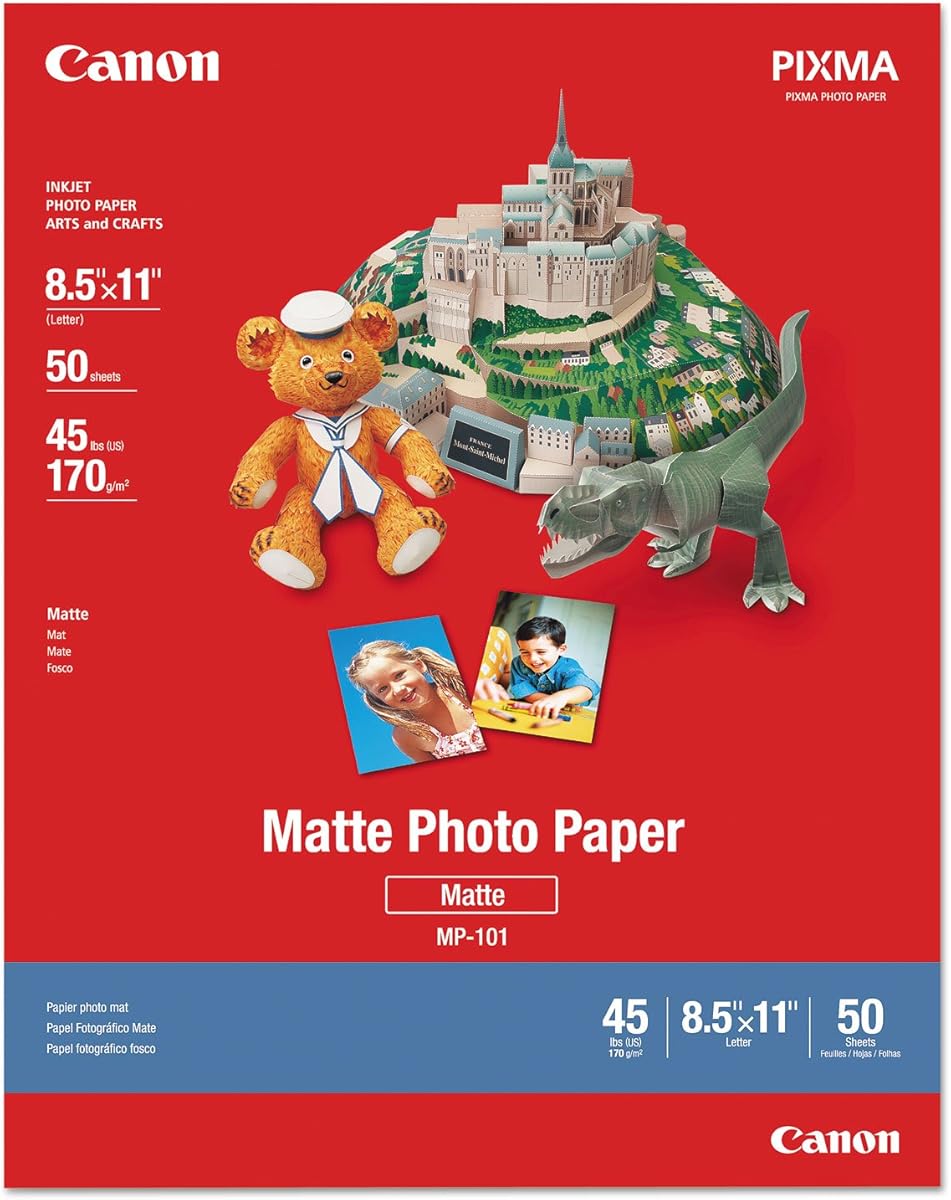
This Canon matte paper delivers excellent photo results with vibrant colors and a non-reflective finish perfect for viewing in bright light. With a 4.4 rating, it is optimized for Canon printers to ensure accurate color reproduction and quick drying.
We may earn a commission when you buy through this link, at no additional cost to you.
The matte finish reduces glare making it ideal for framed prints or displays where glossy surfaces might reflect too much light. It offers high quality for important images and comes in a manageable 50-sheet pack for typical photo printing needs.
While excellent for photos, the matte texture may not suit projects that need a glossy shine or high contrast. It is also Canon optimized which may limit its performance slightly on non-Canon printers compared to universal options.
For those needing a reliable matte paper for home or studio prints, this Canon option is a strong choice. If you want vibrant images without glare and value consistent quality on Canon devices, this pack meets your expectations well.
Excellent photo results with vibrant colors for your high-quality prints.
Matte finish ensures photos look great even in bright viewing conditions without glare.
We may earn a commission when you buy through this link, at no additional cost to you.
Selecting the right laser printer photo paper depends on understanding weight, finish, and compatibility to ensure high-quality prints.
Paper weight determines how sturdy your prints feel. Heavier paper like 52 lb offers a premium look for business cards but may be harder to feed. Lighter paper like 32 lb is great for flyers and brochures that require flexibility.
Choose a weight that balances professional feel with your printer's capacity to avoid jams or feeding issues.
Glossy finishes provide vibrant colors and sharp contrasts making them ideal for marketing materials and photos. Matte finishes reduce glare and are better for documents viewed in bright light or when you plan to write on them.
Consider where your prints will be viewed to select between high-shine glossy or non-reflective matte options.
Ensure the paper is specifically designed for laser printers to withstand the intense heat of the fuser. Using inkjet paper in a laser printer can cause melting or jamming and ruining your prints.
Always check the packaging for laser compatibility to avoid damage to your device and waste of materials.
Brightness ratings like 96 ensure colors look true to screen and text stands out clearly. High opacity prevents ink or toner from showing through to the other side of the sheet.
Look for high brightness and opacity for double-sided projects to ensure professional results on both sides.
Bulk packs like 100 or 200 sheets offer better value for frequent printing and reduce the cost per sheet. Smaller packs are useful for testing or occasional projects to avoid waste.
Balance your budget with the expected volume of work to choose the right pack size for your needs.
Fast-drying paper prevents smudging which is critical when handling prints immediately after printing. Smudge-proof coatings lock in toner to ensure crisp text and sharp images.
Prioritize paper with smudge-resistant tech if you handle documents right after printing to maintain quality.
Acid-free paper prevents yellowing and brittleness over time making it ideal for important documents or photos. Archival quality ensures your prints remain vibrant for years.
Select acid-free paper for projects that need long-term preservation and professional longevity.
Sustainably sourced paper like FSC certified options helps protect forests and ensures eco-friendly printing. Recyclable paper reduces waste and aligns with green business practices.
Consider certified sustainable options to support environmental responsibility in your printing projects.
Before printing, check the paper package for laser compatibility and adjust your printer settings to match the weight and finish. Proper settings prevent jams and ensure toner adheres correctly.
Store paper in a cool dry place to avoid moisture which can cause curling or poor toner adhesion. Keep sheets in their sealed packaging until ready for use to maintain quality.
After printing, allow a few moments for the toner to fully set before handling to prevent smudging. This ensures crisp lines and vibrant colors that last.
No, inkjet photo paper is not designed to withstand the intense heat of laser printers. Using it can cause melting or jams and damage your printer.
For brochures, 32 lb to 52 lb weight is ideal. It offers enough stiffness for professional handling without causing feeding issues.
Yes, glossy surfaces can show smudges more easily. Look for smudge-resistant options to maintain a clean finish.
Use paper specifically designed for laser printers and store it in a dry place. Adjust your printer tray settings to match the paper weight.
Yes, double-sided printing is possible with most laser photo papers. Ensure the paper is rated for double-sided use to avoid ink bleed.
Choose acid-free archival paper for long-term prints. Proper storage away from sunlight also helps maintain color vibrancy.
The top picks like the 8.5×11 Double Sided Glossy Paper and HP Everyday Business Paper offer reliable quality for different needs.
Prioritize compatibility and weight to ensure your printer runs smoothly without wasting toner or paper.
Always check current prices and stock levels before ordering to get the best value for your project.