
Scan Translator Pen
4.0Editor score
Supports 142 online languages
Built-in Bluetooth connectivity
High-precision scanning function
Finding the right reading tool can transform how students and adults approach text. A good dyslexia reading pen offers scanning, translation, and text-to-speech features that make reading accessible and enjoyable for everyone.
We evaluated ten leading devices based on scanning accuracy, language support, and ease of use. Each product was assessed for its ability to assist learners with dyslexia, language barriers, or general reading challenges in various settings.
Every selection highlights unique strengths and potential limitations to guide your decision. Keep in mind that prices and availability change frequently, so checking current listings ensures you get the best value for your specific needs.
4.0Editor score

4.0Editor score
3.9Editor score
As an Amazon Associate we earn from qualifying purchases.
This side-by-side comparison highlights the core specifications of each device to help you quickly identify which model fits your specific reading and translation needs.

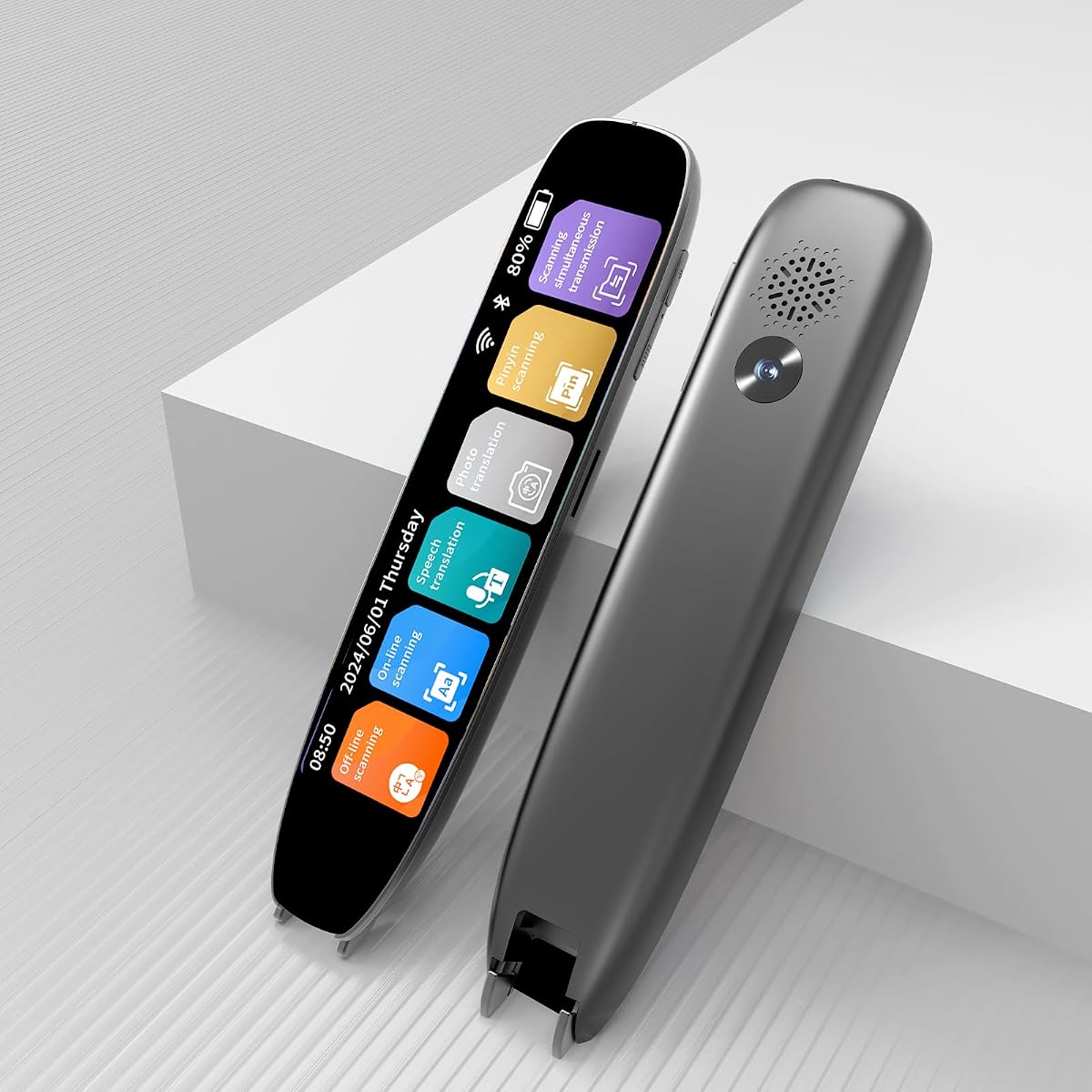
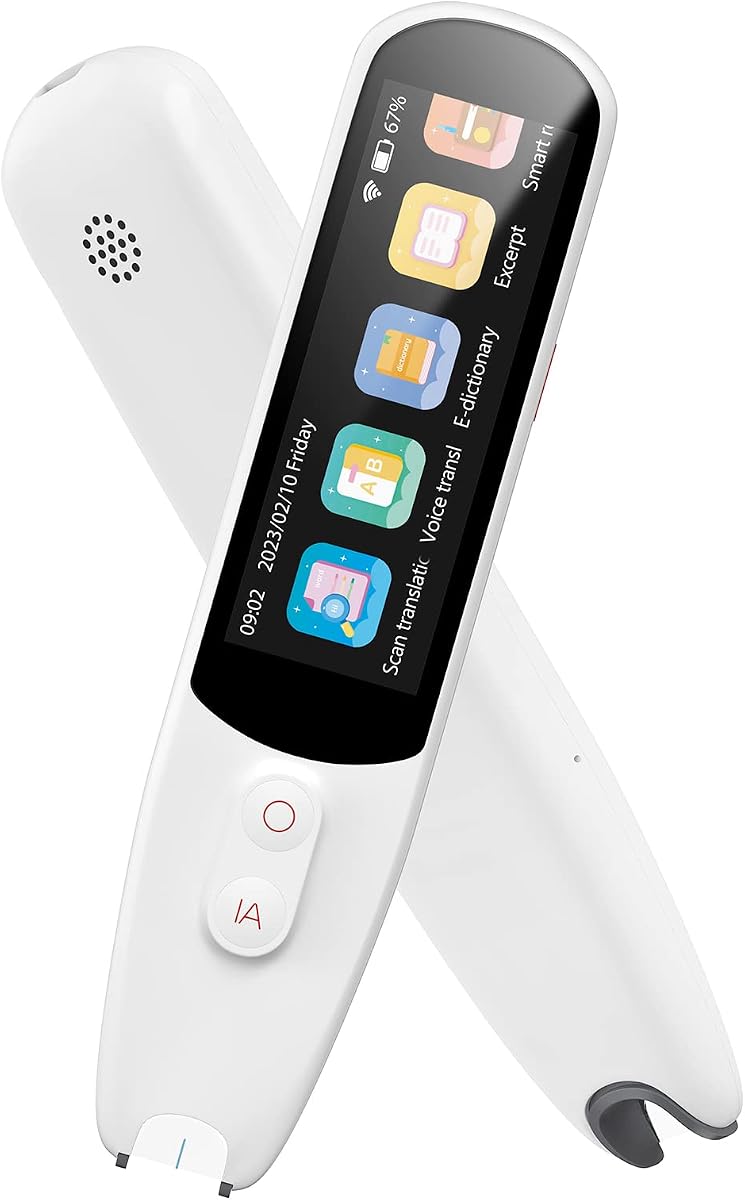


The Scanmarker Pal stands out as a versatile tool for readers with dyslexia or language barriers. It combines scanning, translation, and text-to-speech capabilities in one compact device. With a solid rating, it delivers reliable performance for students and travelers alike.
We may earn a commission when you buy through this link, at no additional cost to you.
Its ability to scan and translate text instantly makes complex documents easier to understand. The highlighting feature on the screen aids comprehension by following along with the audio. This seamless integration helps users process information more efficiently.
While it offers extensive language support, some users may find the offline options limited compared to online features. Additionally, the device relies on battery power, so keeping it charged is essential for continuous use. These trade-offs are generally acceptable given the portability.
This pen is ideal for anyone needing quick translations or audio assistance while reading. Whether for study sessions or travel, it provides the support needed to overcome text challenges. We recommend it for those prioritizing multilingual access and ease of use.
Scanning text and translating it across over 100 languages happens in seconds. This feature removes barriers for learners encountering foreign text in academic or travel settings.
Text is read aloud instantly while words highlight on screen. This dual sensory approach reinforces learning and supports auditory preferences effectively.
We may earn a commission when you buy through this link, at no additional cost to you.
This VORMOR pen offers a robust set of features for those needing advanced text analysis. The touch screen and camera capabilities expand how users interact with printed and digital content. Its high accuracy rating suggests reliable scanning performance.
We may earn a commission when you buy through this link, at no additional cost to you.
The integration of Collins Dictionary adds significant value for vocabulary building. Users can scan text and access definitions without switching devices. The reverse scanning setting is a thoughtful touch for left-handed individuals.
However, the added features come with increased weight which might affect portability. The interface could be overwhelming for users seeking simplicity. These aspects are worth considering if ease of use is a priority.
It suits students or professionals needing detailed text extraction and recording. The two-way translation makes it useful for business travelers too. Choose this if you want extensive functionality beyond basic reading.
Point the camera at any text for instant translation. This works well for menus, signs, or non-standard printed materials.
Capture meetings or lectures directly. Save important conversations alongside text scans for comprehensive notes.
We may earn a commission when you buy through this link, at no additional cost to you.
This device balances cost and functionality well for learners on a budget. It provides access to a vast range of languages both online and offline. The text-to-speech feature supports comprehension effectively.
We may earn a commission when you buy through this link, at no additional cost to you.
Its ability to scan and read text aloud helps improve pronunciation skills. This is particularly beneficial for students and ESL learners. The portable design ensures it fits easily into daily carry items.
Users should note that vertical Japanese text cannot be recognized. Also, it is not designed for blind individuals. These limitations are clear in the product details but may affect some use cases.
For those needing a reliable translation and reading aid without high cost, this is a strong option. It works well for studying or navigating foreign environments. We recommend it for budget-conscious buyers.
Scanned text is read aloud to aid comprehension. This helps users learn new words and improve their reading skills.
Fits into a pocket or pencil case easily. Use it anywhere for scanning or translating text on the go.
We may earn a commission when you buy through this link, at no additional cost to you.
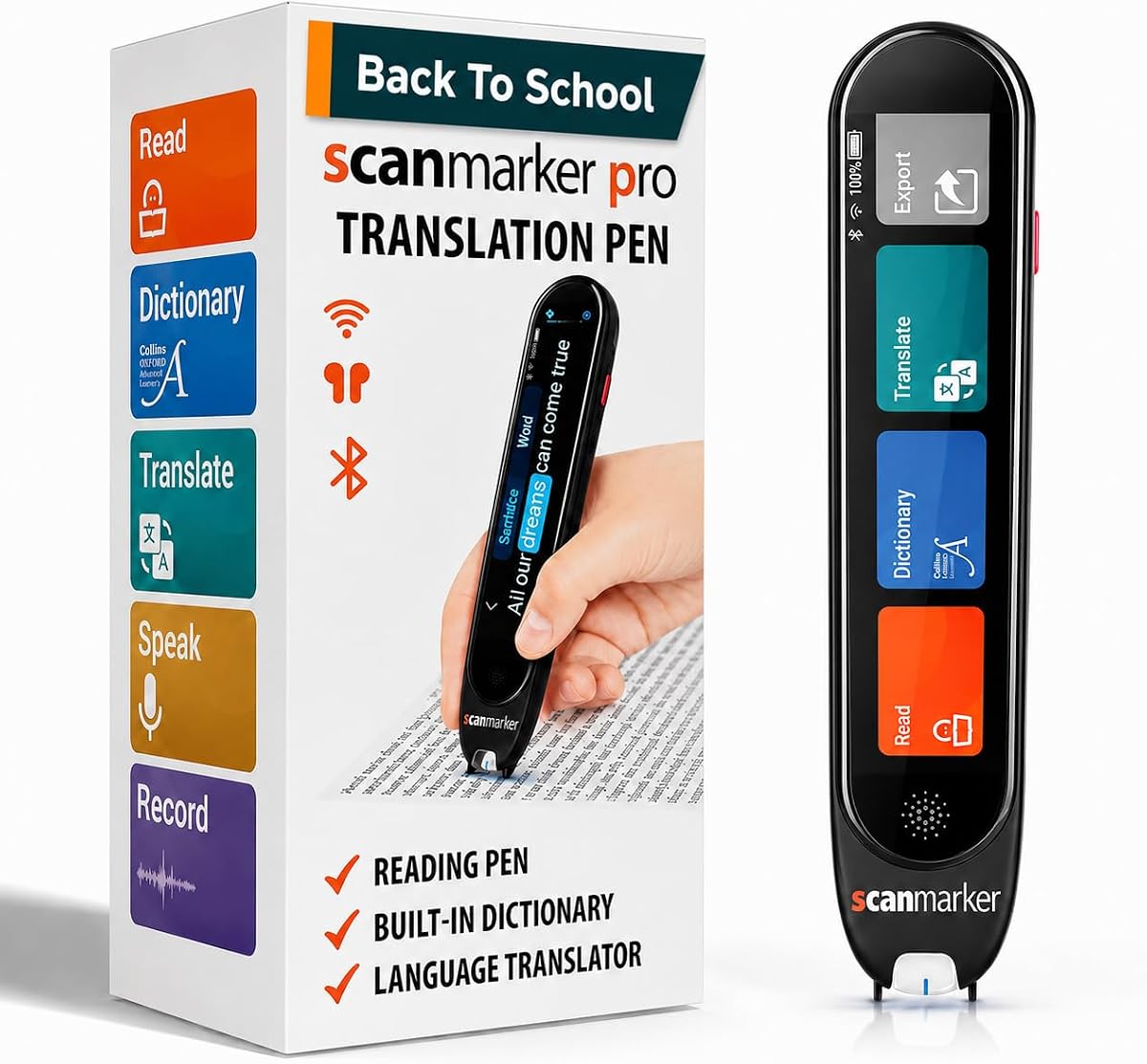
The Scanmarker Pro offers a premium experience for those needing comprehensive reading assistance. Its standalone design means no need for external connections. The built-in dictionary enhances vocabulary learning significantly.
We may earn a commission when you buy through this link, at no additional cost to you.
Capturing notes directly on the device simplifies workflow for students. This allows for accurate data collection without extra steps. The warranty provides peace of mind for the investment.
However, the cost is higher than some alternatives. Since it does not scan to other devices, file transfer relies on internal memory. This limits integration with other digital tools.
It suits users who prefer self-contained devices for learning. The dictionary feature makes it ideal for language study. Consider this if you value offline capabilities and brand support.
Scans text and reads it aloud while highlighting words. This improves comprehension for readers with difficulties.
Capture notes and memos directly on device. Organize information efficiently for later review.
We may earn a commission when you buy through this link, at no additional cost to you.
This pen provides essential text to speech and translation services. It highlights words on the screen to help users follow along. The voice recording feature adds utility for capturing lectures.
We may earn a commission when you buy through this link, at no additional cost to you.
The built-in camera allows for instant photo translation. This is useful for scanning menus or signs while traveling. Text extraction helps organize key information from documents.
It shares limitations with other models regarding vertical text recognition. It is also not designed for visually impaired users. These constraints should be noted before purchasing.
For students needing to organize notes and translations, this pen is practical. The camera functionality adds versatility. Choose this if you need photo translation capabilities.
Capture notes directly on device for data collection. Good for professionals needing organized information.
Built-in camera recognizes and translates text instantly. Works even without internet connection.
We may earn a commission when you buy through this link, at no additional cost to you.
This multifunctional pen integrates OCR, speech, and recording. It offers adjustable reading speeds which helps match user pace. The noise reduction recording is useful for capturing lectures.
We may earn a commission when you buy through this link, at no additional cost to you.
Editable smart notes make organizing study materials easier. Files can be synced to computers for sorting. This supports systematic study management for students.
The offline language support is slightly more limited than others. The rating suggests mixed user feedback on performance. This might require checking current reviews before buying.
It is well-suited for developing readers and language learners. The adjustable speed is a key benefit. Consider this if speed customization is needed.
Converts text to audio with adjustable speed. Compatible with Bluetooth earbuds for private listening.
Convert scanned passages to editable memos. Supports file transmission to mobile phones.
We may earn a commission when you buy through this link, at no additional cost to you.
This AI-enabled pen provides advanced study assistance. It includes an AI homework checker and chat function. The dyslexia-friendly design reduces reading stress significantly.
We may earn a commission when you buy through this link, at no additional cost to you.
Adjustable word reading speed and pause time help comprehension. It supports six reading levels which adapt to learner growth. The storage allows saving extensive documents and notes.
The AI features may be complex for some users. Battery life depends on usage intensity. These factors should be considered for daily use.
Ideal for students needing homework support and translation. The font design is a key benefit. Choose this if you want AI-assisted learning tools.
Special font design reduces reading stress. Adjustable speed helps overcome reading challenges.
Handle printed text or photos easily. Translate between 112 languages instantly.
We may earn a commission when you buy through this link, at no additional cost to you.
This device offers comprehensive scanning and translation. Text excerpt helps capture key details from documents. The camera allows quick photo translation for travel.
We may earn a commission when you buy through this link, at no additional cost to you.
Two-way translation ensures effective communication across languages. It highlights words to aid comprehension. The text excerpt is vital for gathering essential info.
It shares common limitations with similar models. Vertical text and blind user support are excluded. These are standard for this category.
Good for travelers and professionals gathering info. The excerpt function streamlines note-taking. Select this if you need text extraction.
Extracts key text from documents. Helps professionals and travelers access relevant parts.
Built-in camera translates text by taking photos. Works offline for menus and signs.
We may earn a commission when you buy through this link, at no additional cost to you.
This pen delivers fast accurate scanning for readers. The 5MP camera handles complex text layouts well. One-click mobile sync saves transcription time.
We may earn a commission when you buy through this link, at no additional cost to you.
52-language text excerpt helps organize materials. Recording captures meetings or courses. This combines reading and recording effectively.
Offline options are specific but sufficient for major languages. It is designed for active learners. Check specs for your language needs.
Ideal for capturing lectures and translating. The camera supports complex layouts. Choose this for photo-based reading.
Decodes images and non-standard layouts. Handles tricky text scenarios efficiently.
Sync editable files directly to phone. Saves time for note taking.
We may earn a commission when you buy through this link, at no additional cost to you.
This pen adapts to user holding habits. The 70g design ensures comfort during long use. Text excerpt helps organize scanned content easily.
We may earn a commission when you buy through this link, at no additional cost to you.
Left and right hand mode selection is unique. It supports reading comprehension and pronunciation. Classroom recording allows review of lectures.
It shares standard limitations regarding text orientation. The lightweight design is a major advantage. Check language list for your needs.
Perfect for travel and daily study. The ergonomic design reduces fatigue. Choose this for comfort and support.
Adapts to holding habits. Adds humanized touch for all users.
Lightweight fits into pocket or case. Ideal for daily or travel use.
We may earn a commission when you buy through this link, at no additional cost to you.
Selecting the right device requires considering several factors to ensure it meets your specific needs.
Most devices offer support for over 100 languages. However, check how many are available offline. Offline access is crucial if you travel to areas without internet.
Look for pens with extensive language libraries if you need multilingual translation. Prioritize offline capabilities for independence.
OCR technology varies across devices. High accuracy ensures text is captured correctly. Poor accuracy leads to errors in translation and reading.
Check user reviews for feedback on scan quality. Prioritize models with high recognition rates.
Audio playback should be clear and natural. Adjustable speeds help match your reading pace. This aids comprehension and reduces cognitive load.
Test the audio quality if possible. Ensure it supports your preferred accent or speed.
A lightweight design makes carrying easier. Look for devices that fit in pockets or bags. Portability allows use in classrooms or while traveling.
Choose compact models if you need daily transport. Avoid heavy options if you need constant access.
Some pens allow saving text to files. Others sync to phones for editing. Ensure exported formats meet your needs.
Select a model that supports your file management style. Bluetooth sync is convenient for editing.
Long battery life ensures uninterrupted use. Some models last longer on a single charge. Check usage time before purchasing.
Prioritize long-lasting options if you plan on heavy use. Ensure charging is convenient.
Prices range widely across devices. Higher cost often means more features. Determine your budget early to narrow options.
Balance features against cost. Often budget options cover most essential needs.
A simple interface reduces confusion. Touch screens are helpful but add weight. Ensure controls are intuitive for your needs.
Choose models with straightforward menus. Avoid complex setups if you want simplicity.
To begin, charge the device fully before use. Navigate the menu to select your language settings. Position the pen just above the text line for scanning.
Hold the button steady as you move across the line. Ensure the surface is clean to avoid scan errors. Review the scanned text on the display immediately.
Store the device in a dry place when not in use. Clean the scanner window with a soft cloth. Regular maintenance ensures long-term accuracy.
Most devices are designed for printed text. Handwritten text is harder to recognize and often fails. Always try printed materials first.
Some models offer offline modes for select languages. However, full translation usually requires internet. Check offline language limits carefully.
Some pens include reverse scanning for lefties. Others work fine regardless of handedness. Check specific design features before buying.
Many devices sync via Bluetooth to phones. Others save internally for later transfer. Check supported export formats for compatibility.
Yes, many models include voice recorders. This allows capturing lectures alongside text scans. Use the recording feature for reviews.
Most are designed for printed paper. E-books usually require screen capture apps. Stick to physical books for scanning.
We highlighted the Scanmarker Pal, Scan Translator Pen, and Scanmarker Pro as top choices. These devices offer unique benefits for different needs.
Prioritize language support and accuracy based on your main use case. Portability and battery life are also key factors.
Always verify current pricing and availability before purchase. Your needs may change, so choose a device that grows with you.