
A-Tech 8GB DDR4 2400 MHz
4.7Editor score
Affordable 8GB capacity
Lifetime warranty included
Supports 2400MHz speed
This comprehensive guide compares the top 10 DDR4 Sodimm Laptop RAM modules for 2026, evaluating speed, capacity, compatibility, and reliability to help you
Choosing the right DDR4 Sodimm Laptop RAM is essential for maintaining smooth performance in modern notebooks and all-in-one computers. With systems demanding faster multitasking and quicker application loads, upgrading your memory can breathe new life into older devices or enhance the capabilities of newer models significantly.
We have carefully analyzed the market to select ten top-tier modules that offer a balance of speed, capacity, and reliability. Our comparison focuses on key specifications like clock speed, timing, and voltage while ensuring compatibility with a wide range of Intel and AMD processors found in today laptops laptops.
Each pick in this list highlights specific strengths such as budget-friendliness, premium performance, or brand trust. Please note that product availability and pricing can fluctuate frequently, so checking the current details on the retailer page is recommended before making your final purchase decision.
4.7Editor score
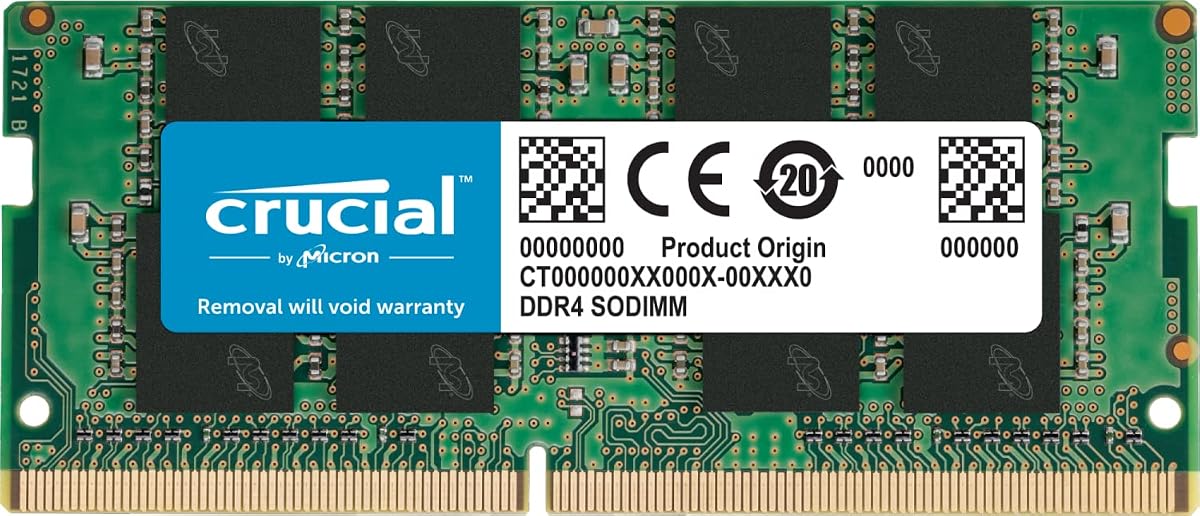
4.8Editor score
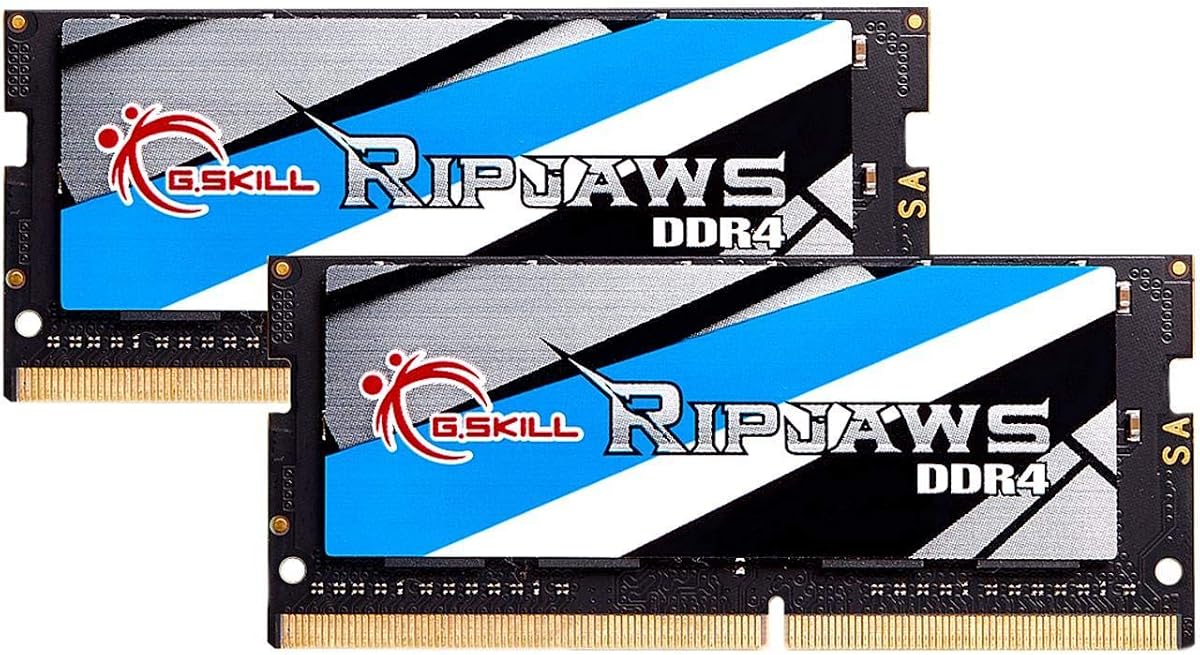
4.7Editor score
This side-by-side comparison allows you to quickly evaluate the technical specifications and key features of the top ten DDR4 SODIMM modules available for laptops and notebooks.


The Crucial 16GB DDR4 RAM stands out as the top pick for users seeking a reliable balance of capacity and speed. With a robust rating of 4.8 stars, this module is engineered to operate at 3200MHz while remaining downclockable to 2933MHz or 2666MHz for broader compatibility across different laptop generations.
We may earn a commission when you buy through this link, at no additional cost to you.
Its standout quality lies in the seamless integration with modern systems, including 13th Gen Intel Core and AMD Ryzen 7000 processors. The product benefits from Crucial's extensive testing protocols which ensure that the memory works perfectly without requiring complex configuration changes or technical expertise from the end user.
While it is priced higher than some generic options, the reliability and performance stability justify the investment for most users. The only trade-off is that older systems might not utilize the full 3200MHz speed without manual adjustments, though it will still function correctly at lower standard speeds.
This RAM is ideal for professionals and students who need consistent performance for multitasking, office work, or light creative tasks. We recommend it as the default choice for anyone looking to upgrade their laptop memory without worrying about compatibility headaches.
Backed by 42 years of memory expertise, this RAM is rigorously tested at both component and module levels.
Follow step-by-step how-to guides available at Crucial for a smooth, worry-free installation without needing computer skills.
We may earn a commission when you buy through this link, at no additional cost to you.
Samsung offers a high-quality 16GB DDR4 module that delivers strong performance through its dual rank x8 configuration. This design allows for better data throughput compared to single rank modules, making it suitable for systems that benefit from higher bandwidth during intensive tasks.
We may earn a commission when you buy through this link, at no additional cost to you.
The memory operates at 3200MHz and adheres to standard 1.2V voltage requirements. Samsung ensures that all modules undergo strict quality assurance testing to guarantee dependable performance over time which is crucial for laptops used in professional environments where stability is paramount.
One potential limitation is that it may not fit every laptop slot perfectly if the system has specific constraints on module height or rank configuration. Additionally users should ensure their motherboard supports dual rank memory to fully leverage the performance benefits.
Buyers looking for a branded single stick upgrade that boosts loading times and multitasking capabilities will find this a solid choice. It is particularly useful for users who need to maximize the memory of a single slot before adding more.
The 2Rx8 dual rank configuration helps increase system ability to handle greater workloads efficiently.
This memory is compatible with select DDR4 Laptop, Notebook, and All-in-One computer systems.
We may earn a commission when you buy through this link, at no additional cost to you.
For users needing a modest increase in memory without the expense of larger capacities the Crucial 8GB DDR4 RAM offers excellent value. It shares the same reliable architecture as its 16GB sibling ensuring consistent performance and compatibility with modern systems.
We may earn a commission when you buy through this link, at no additional cost to you.
Operating at 3200MHz this module is designed to improve multitasking and system responsiveness. The downclockable feature ensures that even if your laptop only supports lower speeds it will still function correctly without errors or instability issues.
The main trade-off is the capacity limit as 8GB may not be enough for users running virtual machines or heavy video editing applications. However for general computing needs this module provides a smooth upgrade path for older laptops.
This is the perfect choice for budget conscious buyers who still want a branded and tested product. It ensures your system runs smoothly without breaking the bank while maintaining high quality standards.
Ideal for those who need to boost performance without spending heavily on memory upgrades.
Backed by 42 years of memory expertise and rigorous testing at component levels.
We may earn a commission when you buy through this link, at no additional cost to you.
The G.SKILL Ripjaws 32GB Kit is a premium option designed for users who need maximum memory capacity for heavy workloads. By using a matched kit of two 16GB modules you gain the benefits of dual channel memory which significantly improves data throughput.
We may earn a commission when you buy through this link, at no additional cost to you.
This kit supports speeds up to 3200MT/s which is ideal for power users running virtual machines or professional applications. G.SKILL ensures stability by selling memory in matched sets that are tested to run together as a single coherent system.
The primary drawback is the price which is higher than single module options. Additionally achieving maximum speed might require BIOS adjustments or overclocking which could deter less technical users from unlocking full potential.
Buyers requiring robust memory for demanding tasks will appreciate the performance headroom this kit provides. It is a solid choice for converting a laptop into a portable workstation capable of handling complex projects.
Matched kits ensure stability and optimal performance when running in dual channel configurations.
With 32GB total capacity this kit handles massive workloads and multitasking with ease.
We may earn a commission when you buy through this link, at no additional cost to you.
TEAMGROUP offers a compelling 32GB kit that balances high capacity with a lifetime warranty. This makes it an attractive option for users who want significant memory upgrades without worrying about long-term reliability issues or potential failures.
We may earn a commission when you buy through this link, at no additional cost to you.
The modules are designed to operate at 3200MHz but are flexible enough to run at lower speeds if the host system requires it. This compatibility ensures that the RAM will work even if your laptop supports slightly older standards.
A trade-off is that the performance is limited by your laptop's controller which might not support the full speed out of the box. Also installing two modules requires two free slots which not all laptops have.
This kit is ideal for users who prioritize capacity and warranty support over brand fame. It provides a reliable way to expand your system memory for demanding applications without compromising on quality.
Free technical support and a lifetime warranty ensure long-term reliability and peace of mind for users.
Modules may operate at lower speeds such as 2933MHz to ensure compatibility with various systems.
We may earn a commission when you buy through this link, at no additional cost to you.
The A-Tech 8GB DDR4 2400 MHz module is the most budget-friendly option on this list while still offering solid performance for everyday tasks. It provides a simple upgrade path for older laptops that do not support faster DDR4 speeds.
We may earn a commission when you buy through this link, at no additional cost to you.
Backed by a lifetime warranty this module ensures that you get reliable performance without a large financial commitment. It is designed to be easy to install at home without requiring any technical expertise or special tools.
The speed is limited to 2400MHz which is lower than modern standards but still sufficient for general productivity tasks like browsing and document editing. Users expecting gaming performance might find this speed insufficient for high-end applications.
This is the best choice for users looking to extend the life of an older laptop on a tight budget. It delivers a noticeable improvement in system responsiveness without breaking the bank.
Maximize system performance with a budget-friendly module that supports 2400MHz speeds.
Compatible with select DDR4 laptops and easy to install at home without expertise.
We may earn a commission when you buy through this link, at no additional cost to you.
GIGASTONE provides a high-performance 32GB kit that is compatible with a wide range of laptops and all-in-one computers. This module is designed to improve memory resources and reduce bottlenecks during heavy use.
We may earn a commission when you buy through this link, at no additional cost to you.
Operating at 3200MHz it provides fast data transfer rates that enhance system responsiveness. The kit is flexible enough to work with systems that may support slightly lower speeds like 2933MHz or 2666MHz.
Since GIGASTONE is not as widely recognized as other major brands users should verify their specific laptop compatibility before purchase. Also limited technical documentation might be available compared to larger manufacturers.
This kit is a good option for those seeking high capacity at a competitive price point. It is best suited for users who have confirmed compatibility and need more memory for multitasking.
Ensures versatile use across multiple systems including laptops, notebooks, and all-in-one computers.
Expand your system's available memory resource to improve performance and increase workload capacity.
We may earn a commission when you buy through this link, at no additional cost to you.
This Samsung 8GB DDR4 3200MHz module offers reliable performance with a single rank design that fits a wide variety of systems. It is a genuine Samsung product that expands available memory resources to improve overall system responsiveness.
We may earn a commission when you buy through this link, at no additional cost to you.
Operating at 3200MHz it is capable of handling modern software demands efficiently. The 1Rx16 configuration is often well supported by most laptop motherboards ensuring compatibility and stable operation.
The main limitation is the 8GB capacity which may not be sufficient for users needing heavy multitasking capabilities. However it is an excellent choice for users with a single available slot who need to boost their existing memory.
Buyers looking for a trustworthy brand and fast speeds will find this a solid option. It is ideal for everyday tasks and provides a significant upgrade from older 8GB modules that run at lower speeds.
Product may be M471A1G44CB0-CWE or equivalent Samsung part number identical in specifications and performance.
Expands your system's available memory resource improving performance, reducing bottlenecks, and increasing workload capacity.
We may earn a commission when you buy through this link, at no additional cost to you.
The Samsung 32GB DDR4 RAM stands out as a high capacity single module option for users who need maximum memory in one slot. This is particularly useful for laptops that have only one memory slot available for upgrades.
We may earn a commission when you buy through this link, at no additional cost to you.
With a speed of 3200Mbps and a dual rank configuration this module delivers high performance suitable for demanding applications. It is designed to work with modern systems that support high density memory sticks.
The main trade-off is the compatibility requirement as not all motherboards support 32GB single modules. Additionally the price is higher compared to dual module kits of the same total capacity.
This is a specialized choice for users who need to maximize memory in a constrained environment. It provides significant capacity boost without requiring multiple slots on the motherboard.
Density: 32GB single module allows for maximum memory in systems with limited slot availability.
Newest Version offers 3200 speed to ensure your system keeps up with modern computing demands.
We may earn a commission when you buy through this link, at no additional cost to you.
CORSAIR Vengeance offers a 16GB SODIMM module that combines performance with an attractive slim design. It is engineered to work well with modern processors and provides a sleek look for users who value aesthetics along with functionality.
We may earn a commission when you buy through this link, at no additional cost to you.
The module supports speeds up to 3200MHz which can be achieved via auto-overclocking on compatible laptops. This ensures stability even under load and provides excellent performance for demanding tasks.
A trade-off is that achieving maximum speed often requires BIOS adjustments which may not be possible on all laptops. Additionally the premium brand often comes with a higher price tag compared to generic options.
This is a great choice for users who want a balance of performance and style. It is particularly suitable for gaming laptops or premium notebooks where aesthetics and stability are both important.
Slim and attractive design to ensure physical compatibility with 11th Generation Intel Core Processors.
Each module is built using carefully selected DRAM to allow excellent stability during operation.
We may earn a commission when you buy through this link, at no additional cost to you.
Selecting the right RAM involves understanding several key factors that impact performance and compatibility with your specific system.
Capacity determines how many applications you can run simultaneously. For general use 8GB to 16GB is often sufficient but heavy multitaskers and professionals may benefit from 32GB kits to avoid slowdowns during intensive workloads.
Choose a capacity that aligns with your typical daily tasks to ensure smooth performance without overspending.
Speed is measured in MHz and indicates how fast data is transferred. 3200MHz is a common standard for modern laptops providing faster load times and better system responsiveness compared to older 2400MHz modules.
Always check your laptop's maximum supported speed to ensure compatibility and avoid wasted performance potential.
Laptops use SODIMM modules which are smaller than desktop DIMMs. Ensure you are buying SODIMM 260-Pin memory to fit the physical slot in your notebook system.
Using the correct form factor is critical for physical installation and proper electrical contact.
DDR4 modules typically operate at 1.2V. Mismatched voltages can cause instability or prevent the system from booting correctly so always match the standard voltage for DDR4.
Sticking to 1.2V ensures safe operation and longevity for your memory modules.
Established brands like Crucial and Samsung undergo rigorous testing and offer better warranties. This reduces the risk of hardware failure and ensures consistent performance over time.
Investing in a reputable brand provides peace of mind and better support options if issues arise.
Installing two identical modules enables dual channel mode which increases bandwidth and improves overall system performance. This is especially noticeable in tasks that require high data throughput.
For best results consider buying a matched kit rather than single modules to maximize dual channel benefits.
To install your new RAM safely power off your laptop and unplug all cables before opening the access panel. Ground yourself to avoid static discharge that could damage the electronics.
Align the notch on the module with the slot and press down gently until it clicks into place securely. This ensures a stable connection and prevents accidental removal during transport.
After installation check your system settings to confirm that the new memory is recognized by your operating system. Regular cleaning of the memory slots can help prevent dust buildup over time.
It is generally not recommended to mix different RAM modules as it can lead to stability issues. If you must mix ensure they have the same speed and capacity to avoid conflicts.
Check your laptop manufacturer specifications or use system tools like CPU-Z to verify supported memory speeds. If the system does not support 3200MHz the RAM will downclock to the max supported speed.
Yes gaming laptops benefit significantly from faster RAM speeds like 3200MHz to maintain smooth frame rates. Ensure the RAM is compatible with your specific gaming model.
Upgrading RAM is safe if you follow the manufacturer's guidelines and handle components carefully. Always ensure the laptop is powered off and grounded to prevent static damage.
This may be due to incompatibility or a loose connection. Reseat the module carefully and ensure the module matches your laptop's supported specifications.
No desktop RAM is physically larger and uses a different connector. Always use SODIMM RAM specifically designed for laptops to ensure proper fit and function.
We have explored ten top options ranging from budget-friendly 8GB modules to premium 32GB kits suitable for demanding professional use.
When making your choice prioritize compatibility with your specific laptop model and consider your daily workload to select the right capacity.
Always check current prices and availability on retailer sites before purchasing to ensure you get the best deal available today.