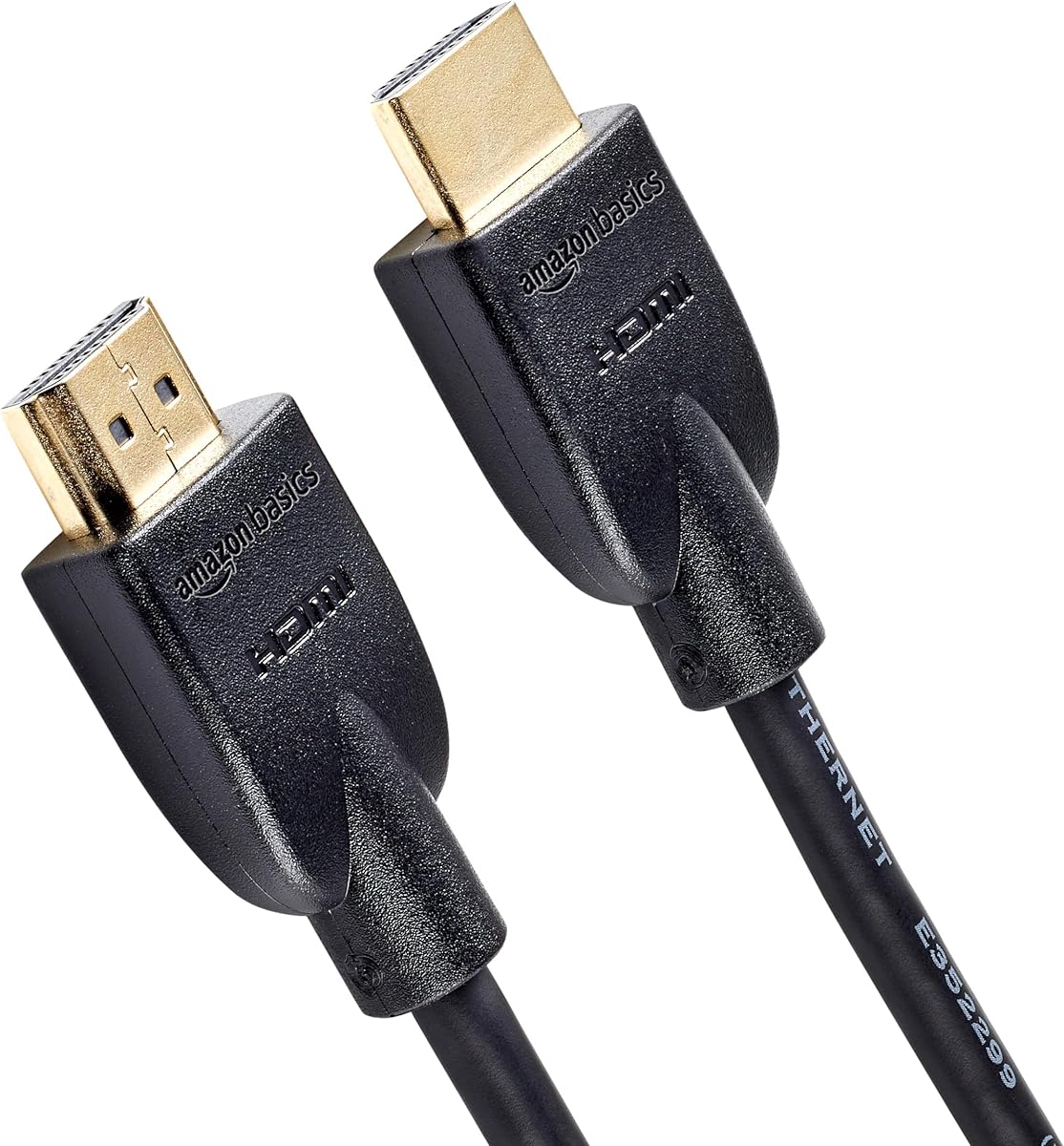
Amazon Basics HDMI Cable
4.7Editor score
Reliable standard performance
Affordable everyday price
Solid everyday reliability
Discover the top HDMI cable for PS3 options for reliable connectivity and crystal clear visuals. This guide compares ten leading cables tailored for PlayStation
Finding the right HDMI cable for PS3 ensures your console delivers smooth visuals and audio to your modern television. A good cable supports high definition standards and maintains signal integrity over time without flickering or dropouts.
We evaluated ten top rated cables based on compatibility, build quality, and performance with legacy and modern displays. Our analysis focuses on durability, connector quality, and support for relevant video features relevant to PS3 owners today.
Each pick highlights key strengths and ideal use cases so you can choose the best fit for your setup. Prices and availability may change frequently so check the latest listings before making your final purchase decision for your gaming room.
4.7Editor score

4.7Editor score

4.7Editor score
This side by side comparison lists all ten tested cables with key specs and links so you can quickly find the right length and features for your PS3 console setup and viewing needs today.


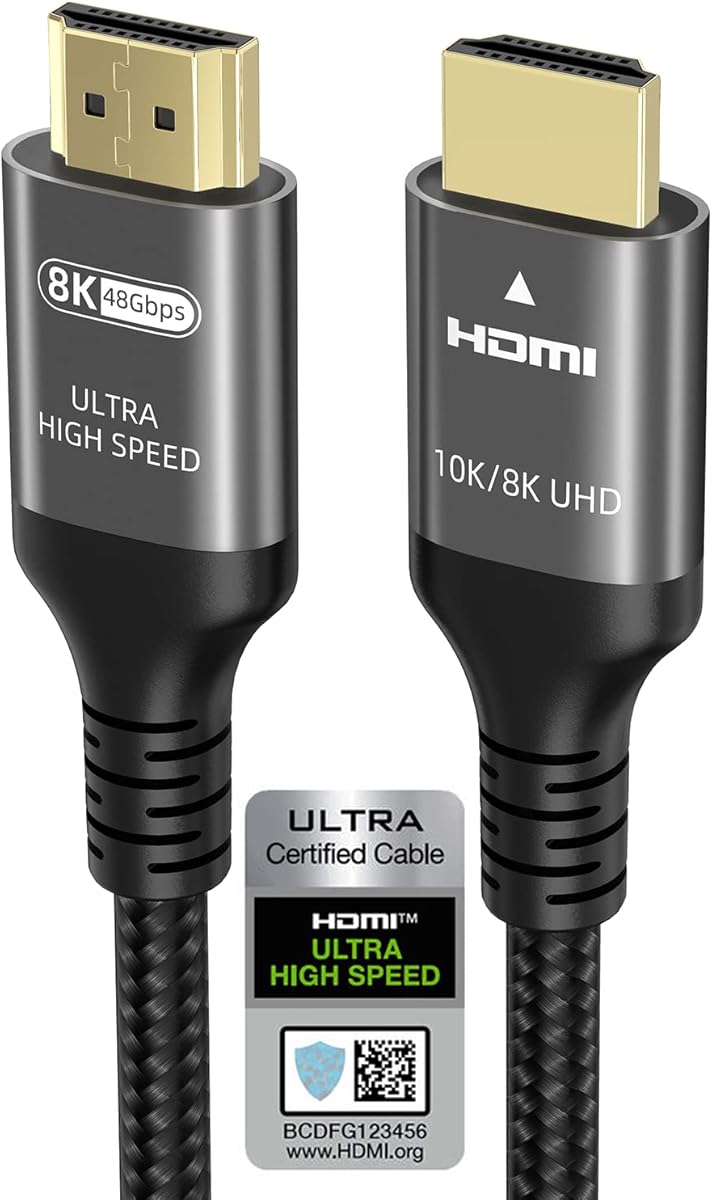


This certified HDMI 2.1 cable delivers robust performance for PS3 setups and future devices. Its verified compliance ensures stable signals and clear visuals for everyday gaming sessions.
We may earn a commission when you buy through this link, at no additional cost to you.
The double layer braid resists daily wear while ferrite beads keep interference low. Bandwidth handles high resolutions smoothly so you see crisp images on compatible displays.
It may cost more than basic cables but the verification and build quality justify the price. PS3 users who plan to upgrade consoles benefit from the forward compatibility features.
Buy this cable if you want dependable performance and room to grow. It balances quality and compatibility for a seamless home entertainment experience today.
Official certification means the cable meets strict industry standards for signal integrity and feature support.
High bandwidth and new features keep the cable useful when you upgrade to newer gaming consoles or displays.
We may earn a commission when you buy through this link, at no additional cost to you.
This premium 8K cable offers high bandwidth and reinforced materials for demanding setups. PS3 users get stable connections and clear video with added durability for daily use.
We may earn a commission when you buy through this link, at no additional cost to you.
Its anti bend tail and military grade nylon extend lifespan while protecting ports from stress. Variable refresh rate support helps modern displays deliver smoother motion during gaming sessions.
The extra features may go beyond PS3 capabilities but they ensure longevity as you upgrade gear. Cost reflects the build quality and forward compatibility built into the design.
Choose this cable if you want top tier materials and signal fidelity. It suits gamers who value premium construction and future ready features for their home theater.
Reinforced stress points prevent damage at connectors and extend cable life during frequent plugging.
High speed bandwidth ensures audio and video streams transmit smoothly without dropouts or artifacts.
We may earn a commission when you buy through this link, at no additional cost to you.
This budget cable provides solid performance for PS3 at a low cost. Its standard features handle 1080p output well and work reliably for basic setups.
We may earn a commission when you buy through this link, at no additional cost to you.
The three foot length suits close console placements near the TV. Build quality meets everyday needs without unnecessary extras so you save money on essential connectivity.
Shorter length may require console repositioning if your TV is far away. However for compact setups it offers great value and consistent signal delivery.
Pick this cable for straightforward connections where cost matters most. It delivers dependable performance for PS3 gaming without extra cost or complexity.
Simple design focuses on core features without extra branding or materials to keep costs low for buyers.
Standard speeds ensure PS3 video and audio streams work consistently with most modern displays.
We may earn a commission when you buy through this link, at no additional cost to you.
This standard cable offers practical length and essential features for PS3 connections. It handles high definition signals well and includes extras like Ethernet for sharing internet over the cable.
We may earn a commission when you buy through this link, at no additional cost to you.
Six feet suits most living room setups where the console is not right next to the TV. Audio return channel support simplifies sound routing to compatible receivers.
Build quality is functional without premium reinforcement so long term flexing could wear it over time. Still it remains a reliable option for regular home entertainment use.
Buy this if you need a balanced length with useful extra features. It works well for PS3 gaming and home theater setups with standard displays.
Built in Ethernet support lets you share internet between devices using the same cable connection.
ARC allows audio to travel from TV to sound systems without extra cables.
We may earn a commission when you buy through this link, at no additional cost to you.
This branded cable focuses on durability and corrosion resistance with gold plated connectors. Its six foot length offers flexibility for typical console to TV connections.
We may earn a commission when you buy through this link, at no additional cost to you.
Reinforced connectors resist strain when plugging and unplugging during setup or cleaning. Clear picture quality supports PS3 output while protecting signal paths from oxidation.
Cost is higher than budget options but the build justifies the price for long term use. It suits users who want sturdy connections without paying for unused high end features.
Choose this cable for a balance of quality and length. It provides reliable PS3 performance with connectors built to last in daily environments.
Gold plating on connectors reduces corrosion risk and ensures stable signal contact over time.
Strengthened junctions near plugs prevent cracking and bending failures during use.
We may earn a commission when you buy through this link, at no additional cost to you.
This certified cable delivers high speed performance with official HDMI labeling for trust. PS3 users benefit from stable connections while the extra bandwidth supports future devices.
We may earn a commission when you buy through this link, at no additional cost to you.
Features like Dynamic HDR and deep color enhance visuals on compatible displays when used with newer consoles. The six foot length fits typical home setups comfortably.
Many advanced features will not activate with PS3 but the build and certification ensure reliability. It is a solid choice if you plan to upgrade hardware later.
Buy this cable for dependable certified performance and growth potential. It combines trust and quality for PS3 while ready for future entertainment needs.
HDMI Forum certification means the cable meets strict requirements for speed and compatibility.
Support for many audio and video formats ensures compatibility across devices and content sources.
We may earn a commission when you buy through this link, at no additional cost to you.
This compact cable suits tight setups where space between console and TV is limited. Its three foot length reduces cable clutter while maintaining clear signal delivery.
We may earn a commission when you buy through this link, at no additional cost to you.
SR joint design protects the cable ends from bending stress and cracking during regular use. Gold plated connectors help maintain contact quality over time.
Short length is ideal for shelf setups but may not reach if your TV is far. It remains a sturdy option for close range PS3 connections.
Choose this cable for neat small space installs with reliable performance. It combines protection and speed for PS3 users with limited cable routing options.
Stress relief joints at connectors prevent damage from repeated bending or tugging.
Shorter length keeps cables tidy in tight entertainment centers or small room layouts.
We may earn a commission when you buy through this link, at no additional cost to you.
This long cable solves distance challenges for large rooms or ceiling mounted TVs. Thirty feet lets you place the PS3 far from the display without signal loss.
We may earn a commission when you buy through this link, at no additional cost to you.
Braided nylon protects against wear when routing across floors or behind furniture. Build quality ensures stable transmission for high definition gaming over the extended length.
Cost and bulk are higher than short cables but necessary for distant setups. It remains a practical solution for flexible home theater layouts where standard cables fall short.
Buy this cable if you need extra reach without compromise. It provides reliable performance and protection for PS3 connections over long distances.
Thirty foot length reaches from basement consoles to upstairs TVs or far wall mounts.
Braided jacket shields the cable from wear when routing through walls or across floors.
We may earn a commission when you buy through this link, at no additional cost to you.
This cable matches PS3 native 1080P output with gold plated connectors for clear visuals. Its ten foot length provides flexibility while the lifetime warranty adds confidence.
We may earn a commission when you buy through this link, at no additional cost to you.
Warranty coverage means replacements are available if issues arise so long term use is secure. Gold plating helps maintain signal quality and connector durability over time.
It does not support newer high resolution standards which limits use with future consoles. Still it is an excellent fit for current PS3 setups and existing displays.
Choose this cable for secure coverage and reliable performance on PS3. The warranty and build quality make it a low risk choice for stable home gaming.
Lifetime warranty gives peace of mind with replacement options if the cable fails.
Focus on 1080P ensures crisp images matched to PS3 output capabilities.
We may earn a commission when you buy through this link, at no additional cost to you.
This cable offers CL3 rating for safe in wall installations alongside reliable performance. Its ten foot length and braided jacket suit flexible setups and longer runs.
We may earn a commission when you buy through this link, at no additional cost to you.
Fire rating allows routing through walls or ceilings where safety codes require CL3 cable. Gold connectors and copper core support stable signal for PS3 gaming and media.
PS3 will not use the higher resolutions but the safety rating adds value for permanent installs. Cost is reasonable for the extra protection and build quality provided.
Buy this cable for safe in wall setups and durable everyday use. It provides reliable PS3 performance with added safety features for fixed home theater installations.
CL3 rating permits in wall use where safety codes require fire resistant cable insulation.
Braided jacket resists kinking and wear when routing cables behind furniture or along floors.
We may earn a commission when you buy through this link, at no additional cost to you.
Choosing the right HDMI cable for PS3 means balancing length, build quality, and needed features. This guide breaks down key factors to help you pick a cable that fits your setup and lasts.
Length determines where you can place the console relative to your TV. Measure the distance between ports and add slack for neat routing without tight bends.
Pick a length that reaches comfortably with a little extra to avoid strain on connectors and ports.
PS3 outputs up to 1080p so 18 Gbps cables meet its needs easily. Higher bandwidth options work fine but are not required for PS3 performance.
Focus on cables that clearly support at least 18 Gbps for stable high definition video and audio.
Gold plated connectors resist corrosion and ensure better contact over time. Check that the plug fit is snug without forcing into the port to avoid damage.
Quality connectors extend cable life and maintain consistent signal without dropouts or flickering.
Braided nylon jackets and reinforced stress points protect against wear from bending or pulling. Look for SR joints or anti bend designs at the plugs for extra strength.
Strong build materials reduce replacement frequency and keep cables neat under regular use conditions.
Features like Ethernet or ARC can simplify connections for receivers and internet sharing. PS3 benefits from ARC and Ethernet when supported by your display or receiver.
Choose extras only if you need them to avoid paying for capabilities the console does not use.
Official HDMI certification means the cable passed industry tests for speed and compliance. This reduces risks of compatibility issues and ensures advertised features work as expected.
Look for certification labels or QR verification to confirm the cable meets stated standards.
CL3 rated cables are safe for in wall installations where building codes require fire resistant insulation. This is useful for permanent setups or hiding cables through walls or ceilings.
If you plan in wall routing choose a CL3 rated cable to stay compliant and safe.
Lifetime warranties or strong support policies add security for your purchase. Check the seller terms to understand replacement processes and claim timelines.
A good warranty protects your investment and reduces long term ownership costs.
Plug one end into the HDMI port on your PS3 and the other into your TV or receiver. Ensure the connectors click gently into place without forcing them to avoid bending pins inside the ports.
Avoid tight bends or sharp kinks near the connectors where cable damage usually starts. Route the cable along edges or under furniture using clips or ties to reduce stress on the jacket and joints.
Inspect the connectors periodically for dust or corrosion and wipe them gently with a dry cloth. If you move consoles often remove cables by holding the connector shell instead of pulling the cord itself.
Any standard high speed HDMI cable that supports 18 Gbps will work perfectly with PS3. Choose a length that fits your room and a braided jacket for durability. Avoid very long cables with heavy gauges if cost is a concern since PS3 does not need 8K bandwidth.
No PS3 does not use HDMI 2.1 features like VRR or 4K 120Hz. A 2.0 cable handles its output well. Higher spec cables work fine and offer forward compatibility if you upgrade consoles later but are not required.
Measure from the back of your console to the TV HDMI port and add a few feet for slack and routing around furniture. Short cables often cause strain on ports so a little extra length improves longevity.
Yes gold plating reduces corrosion and helps maintain signal contact over time especially in humid environments. It does not improve speed but extends connector life and keeps performance stable with daily use.
Yes CL3 rated cables are safe for in wall installations and work just like standard HDMI for PS3. Use them if you want to route cables behind walls or through ceilings for a cleaner look and comply with fire codes.
Check the cable connections at both ends and try a different HDMI port on the TV. Ensure the cable is not damaged and the TV input is set correctly. Rebooting the PS3 after connecting a new cable often helps the display detect the signal.
Brand does not change picture quality but reputable brands often offer better build quality and certification for reliable performance. Choose a brand with good reviews and clear specs to avoid cheap cables that may fail early.
Most good cables last many years if protected from sharp bends and pulls. Replace only if you see visible damage or experience signal dropouts. A spare cable stored nearby can reduce downtime when issues arise.
We highlighted top picks including the Silkland certified option for overall reliability and Highwings premium for durability. Amazon Basics offers excellent value for basic needs while Ubluker and MasterStor bring useful extras like certification and warranties.
Prioritize length and connector quality first then consider extra features like ARC or CL3 ratings only if your setup requires them. A durable braided cable protects against wear and keeps signals clear for years of gaming.
Prices and availability change often so review current listings before buying to confirm the best deal and fit for your PS3 system. Check return policies and warranty terms to ensure peace of mind with your purchase today.