
AMD Ryzen Threadripper PRO 7975WX 32-Core Processor
4.2Editor score
32 Cores and 64 Threads
160MB Cache Memory
Eight Channel DDR5 Support
This guide compares the top CPUs for 3D rendering including AMD Ryzen and Threadripper models to help you find the best processor for professional creative
Choosing the right CPU for 3D rendering is crucial for productivity and efficiency. Modern workstations need powerful cores and high clock speeds to handle complex scenes and simulations without bottlenecks or delays.
We evaluated ten top processors based on core counts, architecture, cache sizes, and real-world performance potential. Our analysis focuses on how each chip handles rendering tasks across different software platforms and workflow demands.
Each pick highlights key strengths and trade-offs for various budgets and needs. Please note that prices and availability change frequently so check current listings before making your final decision on which model to buy.
4.2Editor score

4.7Editor score

4.8Editor score
The following table provides a side-by-side look at the specifications and features of each processor to help you compare core counts clock speeds and cache sizes at a glance.

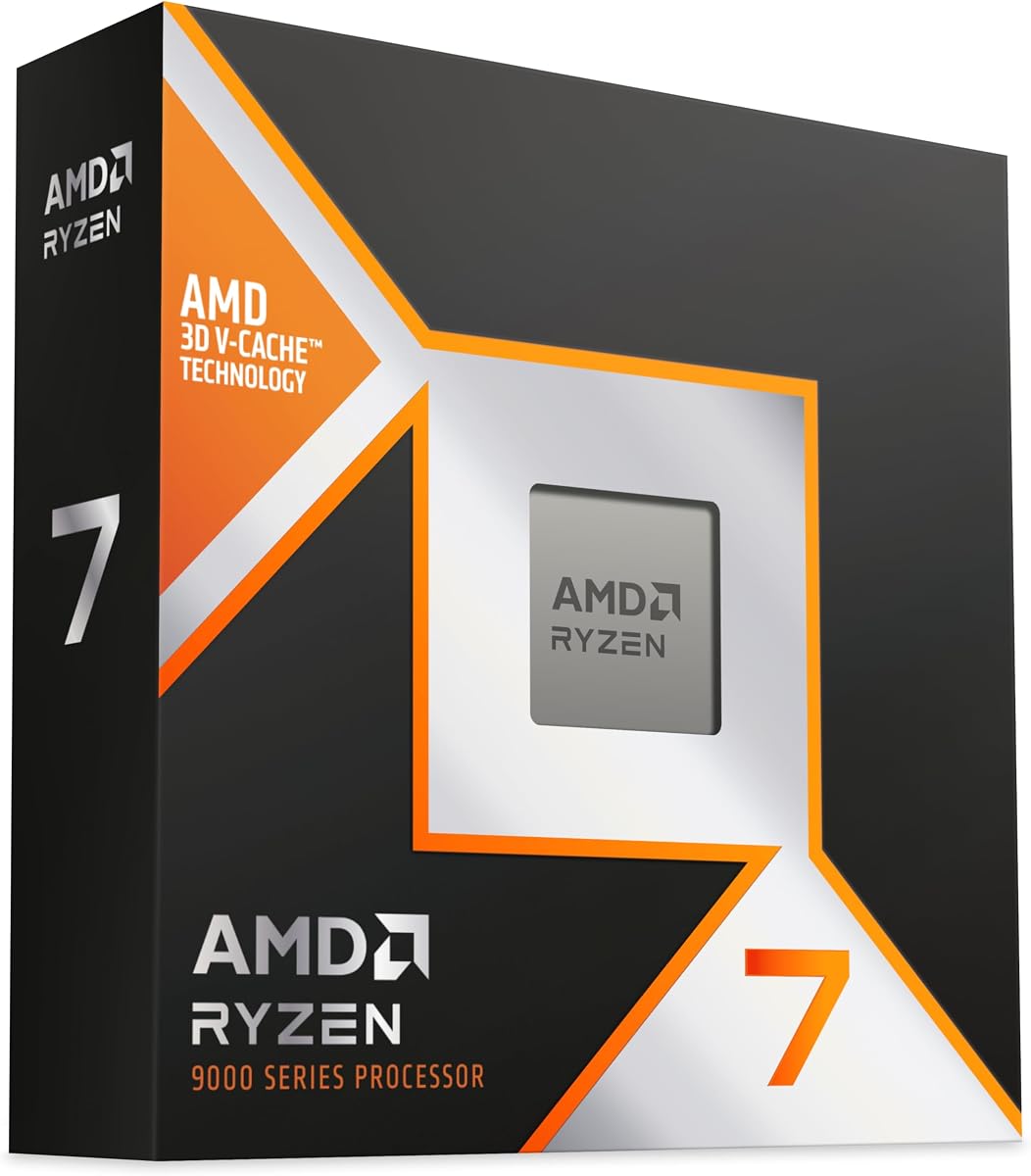


The AMD Ryzen 9 9950X3D stands out as a top choice for professional 3D rendering tasks. It combines powerful core counts with modern architecture to deliver speeds that handle complex scenes efficiently.
We may earn a commission when you buy through this link, at no additional cost to you.
With 16 cores and 32 threads based on Zen 5 architecture this processor excels at multitasking and rendering heavy workloads. The max boost clock of up to 5.7 GHz ensures quick execution of demanding instructions.
While performance is stellar the thermal output can be significant during sustained rendering sessions. It is advisable to pair this CPU with a high quality liquid cooler to maintain optimal clock speeds and longevity.
This model is ideal for studios and freelancers who need reliable power for daily production. If you want a balance of raw speed and modern platform features this is a strong recommendation.
The Zen 5 architecture brings improved instructions per clock which means faster rendering times per core compared to previous generations.
Socket AM5 offers a long term upgrade path allowing you to keep your motherboard while upgrading to future CPU generations.
We may earn a commission when you buy through this link, at no additional cost to you.
The AMD Ryzen Threadripper PRO 7975WX is a powerhouse designed for the most demanding professional 3D rendering needs. Its 32 cores and 64 threads provide unparalleled parallel processing capabilities for complex simulations.
We may earn a commission when you buy through this link, at no additional cost to you.
With a massive 160MB cache and eight channel DDR5 support this processor handles large datasets and high resolution textures with ease. The eight channel memory configuration ensures that data throughput never bottlenecks your rendering pipeline.
The cost and hardware requirements are significant as you will need a compatible workstation class motherboard and robust cooling. However for enterprise users the speed and stability gains often justify the investment in high end hardware.
Choose this if you work with extreme complexity like VFX or engineering simulations. It represents the pinnacle of desktop rendering power for those who cannot afford downtime or slow render times.
Eight channel DDR5 support means significantly higher bandwidth which reduces wait times when processing huge geometry files.
The PRO series includes features like ECC memory support and remote management tools that keep production servers running smoothly.
We may earn a commission when you buy through this link, at no additional cost to you.
The AMD Ryzen 7 7800X3D offers an impressive balance of performance and value for 3D rendering on a budget. Its 8 cores and 16 threads handle most standard projects efficiently without breaking the bank.
We may earn a commission when you buy through this link, at no additional cost to you.
The 96MB L3 cache is a standout feature that improves hit rates and reduces latency during task execution. This large cache helps speed up rendering tasks that rely on frequent data access cycles.
While it lacks the core count of higher end models it excels in power efficiency and thermal performance. This means you can keep costs down on cooling and electricity while still getting solid daily production speeds.
For freelancers or hobbyists this processor provides a strong starting point. It is versatile enough for creative work and offers room to grow your system as your projects become more complex over time.
Large L3 cache allows for faster access to geometry and texture data which speeds up the render preview generation phase.
5nm process technology keeps power draw lower meaning less heat output and quieter operation in small workspaces.
We may earn a commission when you buy through this link, at no additional cost to you.
The AMD Ryzen 7 9850X3D is positioned as a high performance desktop processor suitable for demanding applications. It leverages modern architecture to ensure compatibility with current AM5 platforms and future upgrades.
We may earn a commission when you buy through this link, at no additional cost to you.
As a Ryzen 7 model it targets users who need substantial processing power without the extreme cost of workstation class chips. The design focuses on delivering reliable speeds for both gaming and creative production workflows.
Since detailed specifications vary it is important to check specific benchmark results for your rendering software. Generally these high tier models offer enough speed to handle complex scenes without major throttling issues.
This processor is a safe choice for those building a new workstation on the AM5 socket. It offers a good balance between price and capability for professional users looking for a stable platform.
Using AM5 ensures you have access to PCIe 5.0 and DDR5 memory standards which are essential for high speed storage and RAM.
Modern Zen architecture typically provides better instructions per clock which translates to faster completion of single threaded rendering tasks.
We may earn a commission when you buy through this link, at no additional cost to you.
The AMD Ryzen 9 9950X is a versatile processor designed for creators who need both speed and flexibility. It offers 16 cores and 32 threads to manage complex rendering jobs alongside other background applications.
We may earn a commission when you buy through this link, at no additional cost to you.
Based on Zen 5 architecture it delivers ultra fast performance with boost clocks up to 5.7 GHz. The unlocked status allows you to push speeds further if you have adequate cooling to support it.
While it lacks the specialized cache of X3D variants the standard cache is robust enough for many 3D tasks. It is a great choice if you want top tier performance without the specific thermal constraints of cache models.
This CPU is recommended for professionals who want a single chip for gaming and production. It ensures you can multitask freely without worrying about resource contention during heavy workloads.
Being unlocked means advanced users can tweak voltages and frequencies to squeeze extra performance for specific benchmarking or rendering tests.
Support for DDR5 5600 ensures your data moves quickly between CPU and memory which is vital for large texture handling.
We may earn a commission when you buy through this link, at no additional cost to you.
The AMD Ryzen 5 9600X provides an efficient entry point for those needing modern performance without high costs. It delivers smooth gaming performance and can handle moderate 3D rendering tasks effectively.
We may earn a commission when you buy through this link, at no additional cost to you.
With 6 cores and 12 threads based on Zen 5 architecture it maintains high clock speeds up to 5.4 GHz. This makes it suitable for projects that are not overly dependent on massive parallel processing power.
Its lower core count means it may struggle with very large scenes compared to Ryzen 9 models. However for hobbyists or light professionals it offers a capable platform to start building a workstation.
This processor is ideal if you prioritize single threaded speed and general responsiveness. It ensures your system remains snappy for daily tasks while still being able to render smaller projects in reasonable times.
If you mix gaming with rendering this CPU offers strong performance in games which is a nice bonus for hybrid workstation builds.
Support for PCIe 5.0 and DDR5 means your system will remain relevant for several years as storage and RAM technologies evolve.
We may earn a commission when you buy through this link, at no additional cost to you.
The AMD Ryzen Threadripper PRO 5955WX brings workstation class reliability to 3D rendering environments. It features 16 cores and 32 threads optimized for consistent performance during long production cycles.
We may earn a commission when you buy through this link, at no additional cost to you.
Designed for stability it handles heavy loads with a base clock of 4 GHz. The support for DDR4 3200 memory allows for cost effective upgrades while still maintaining high data throughput for professional applications.
While it uses an older platform compared to AM5 it offers proven reliability and compatibility with specific workstation boards. This makes it a solid choice for studios prioritizing uptime over the latest specs.
Choose this if you need a dependable engine for your render nodes. It ensures that your production pipeline stays running smoothly even when handling complex scenes over extended periods.
Threadripper PRO series includes features like enterprise level error correction which prevents crashes during long render times.
Using DDR4 memory can reduce build costs significantly while still providing enough bandwidth for most professional workflows.
We may earn a commission when you buy through this link, at no additional cost to you.
The AMD Ryzen Threadripper PRO 7975WX is designed for professionals who need maximum throughput for complex 3D rendering. With 32 cores and 64 threads it can process multiple heavy tasks simultaneously without lag.
We may earn a commission when you buy through this link, at no additional cost to you.
Its 160MB cache and eight channel DDR5 support provide exceptional data handling capabilities. This ensures that rendering software can access geometry and textures quickly which minimizes wait times and improves productivity.
The high TDP requires a robust cooling solution to maintain performance under load. You should plan for a dedicated liquid cooling setup to ensure the processor runs safely and efficiently during all day sessions.
This is a top tier choice for enterprise users and studios handling extreme workloads. It delivers the speed necessary to meet tight deadlines with complex animations or simulations that would stall on weaker systems.
32 cores mean you can run multiple render instances or virtual machines at the same time without performance degradation.
Eight channel memory offers double the bandwidth of typical quad channel setups which is crucial for large texture sets.
We may earn a commission when you buy through this link, at no additional cost to you.
The Intel Core Ultra 7 Processor 270K Plus offers a compelling mix of core counts and modern features for 3D rendering. With 24 cores and 32 threads it handles complex workflows efficiently for daily production tasks.
We may earn a commission when you buy through this link, at no additional cost to you.
Based on the Arrow Lake architecture it supports up to 5.50 GHz boost speeds which ensures quick processing of rendering instructions. The support for PCIe 5.0 future proofs your build for faster storage devices.
Availability may be limited depending on your region so check local stock before purchasing. The box version ensures you get the necessary components to start building immediately without extra accessories.
This processor is ideal for those looking to switch to Intel for workstation builds. It offers competitive performance and modern connectivity options that make it a strong contender in the creative market.
The hybrid core design balances performance and efficiency cores to keep power usage in check while delivering speed.
PCIe 5.0 support ensures you can use the fastest NVMe SSDs available for quick loading of heavy projects.
We may earn a commission when you buy through this link, at no additional cost to you.
The AMD Ryzen 9 5900XT provides a powerful 16 core solution for users working with existing AM4 motherboards. It offers 32 threads to handle complex rendering tasks efficiently without needing a full platform upgrade.
We may earn a commission when you buy through this link, at no additional cost to you.
With Zen 3 architecture and up to 4.8 GHz boost it delivers solid performance for creative applications. The 72 MB cache helps maintain good hit rates during rendering which speeds up overall processing times.
While it uses DDR4 and PCIe 4.0 these standards are still sufficient for most professional workflows. This makes it a cost effective option if you already own compatible hardware and want to upgrade the CPU.
Choose this if you want high core counts on a budget. It ensures you can render complex scenes without bottlenecks while keeping upgrade costs low by reusing your current motherboard and memory.
If you have an AM4 board this is one of the best upgrades you can make without changing your entire system.
16 cores offer significant parallel processing power which is crucial for multi threaded rendering software.
We may earn a commission when you buy through this link, at no additional cost to you.
Selecting the right processor requires balancing core count, cache size, and platform features to match your specific rendering demands and budget constraints.
More cores allow your software to process more parts of a scene simultaneously which reduces total render time significantly.
For heavy production aim for at least 16 cores while hobbyists may find 8 cores sufficient for smaller projects.
Large cache like L3 memory helps the CPU access frequently used data faster which speeds up task execution and previews.
Look for models with high cache numbers especially if your workflow involves complex geometry and high resolution textures.
Newer architectures provide better instructions per clock meaning older high core chips might not outperform newer mid tier ones.
Prioritize modern designs like Zen 5 to ensure efficiency gains and support for the latest memory and storage standards.
Choosing a socket with a long life allows you to upgrade future CPUs without changing your motherboard which saves money.
Ensure your platform supports DDR5 and PCIe 5.0 to future proof your system against upcoming storage and memory technologies.
High performance CPUs generate heat and you must budget for a cooler that can handle the TDP during sustained loads.
If you plan to run renders for hours check the cooling recommendations to prevent thermal throttling and performance drops.
The bandwidth and speed of memory directly impact how fast the CPU can receive data for processing during rendering.
For large scenes DDR5 support is highly recommended as it offers higher speeds compared to older DDR4 configurations.
Allocate your budget so that the CPU does not eat up funds needed for GPU and memory which are also critical.
If you are on a tight budget consider slightly older chips that still offer enough cores for your specific software needs.
Check which architecture your rendering software favors as some perform better with Intel while others favor AMD threads.
Review specific benchmarks for your workflow to ensure you choose the brand that delivers the most value for your tasks.
Install the CPU carefully on the AM5 socket aligning the corner markers to avoid bent pins and ensure the socket lever is in the up position.
Apply thermal paste evenly before mounting a high quality liquid cooler to maintain safe temperatures during long and heavy rendering sessions.
Update your BIOS to the latest version to ensure system stability and proper performance scaling before starting your first major render project.
While not strictly necessary V Cache models offer large on die memory which helps with certain tasks and gaming. For pure 3D rendering standard high core models often provide better value unless specific benchmarks favor cache.
It depends on your specific software as both brands perform well. AMD typically leads in core density and thread performance while Intel often wins in single core speed and platform features.
No for Ryzen 9 and higher models you need an aftermarket cooler. The included coolers are not sufficient for sustained rendering loads which can cause overheating and throttling.
Clock speed matters more for tasks that rely on single threads like viewport previews. For final renders core count and memory bandwidth are often more impactful than peak clock speeds.
DDR5 is recommended for new builds as it offers higher bandwidth which helps with large scenes. DDR4 remains a viable option for budget builds on older AM4 platforms.
Overclocking can boost performance but increases heat output and may impact stability. Ensure you have robust cooling before attempting to push beyond factory settings.
We have reviewed the top ten CPUs ranging from budget friendly options to high end workstation processors. The Ryzen 9 9950X3D leads as the top pick for its balance of power and efficiency.
Prioritize core counts and memory support if your workflow involves heavy scenes and complex simulations. Consider the platform longevity to ensure your investment remains relevant for years.
Prices fluctuate regularly so always check the current listings and availability before making your final purchase decision to secure the best value for your needs.